Setting the Delay between Filters parameter:
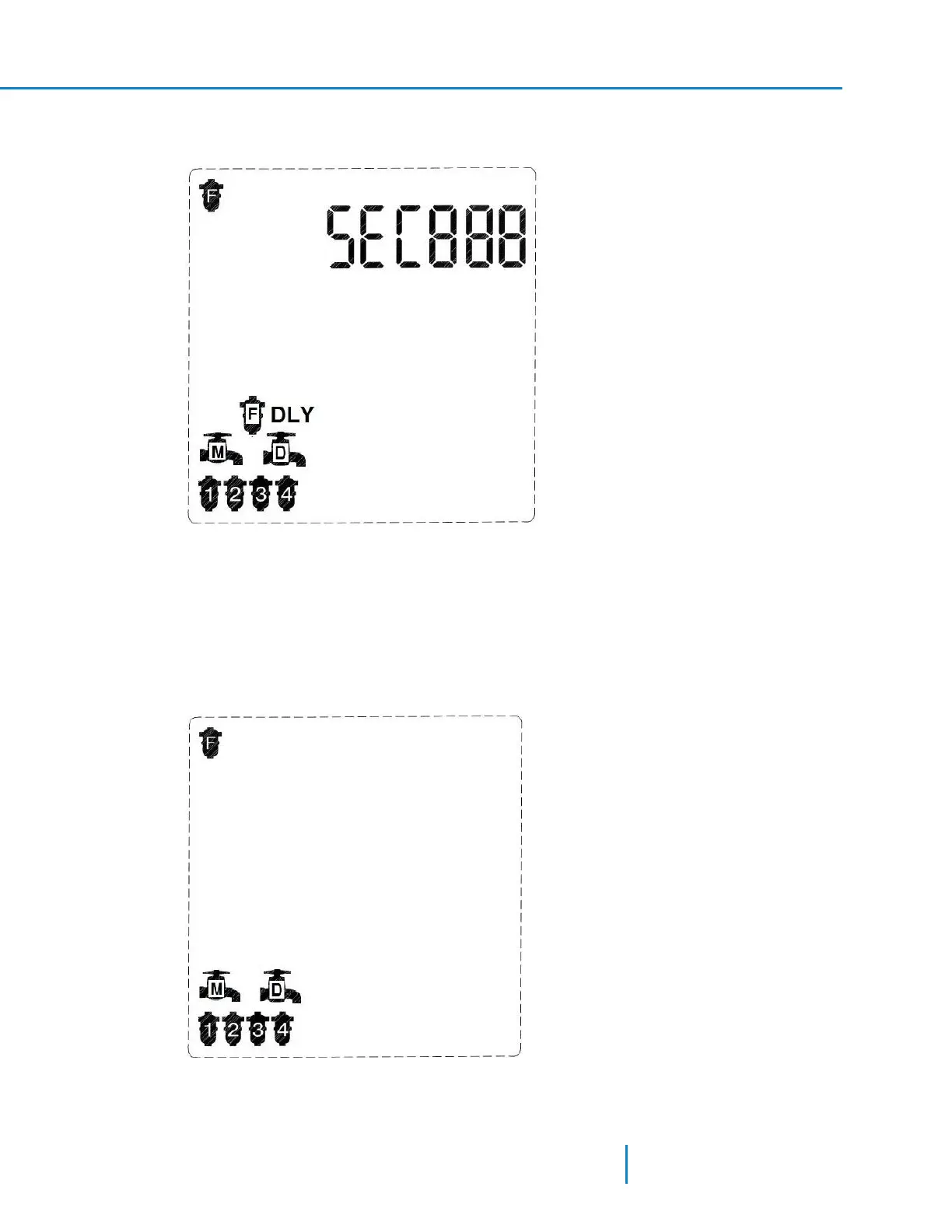
1. In the first screen of the Technician Mode, press the Forward key to display the fllowing screen.
The screen displays the current controller configuration: Program I, 4 filters, main valve, and delay
valve. The controller also displays the Delay between Filters Icon.
The word SECin the digits line indicates that the flush time parameter is set in seconds.
2. Press the Plus or Minus Keys to set the delay between filters.
3. Press the Forward or the Backward keys to move to the next or previous screen accordingly.
Selecting the number of filter units and valves controlled by the controller:
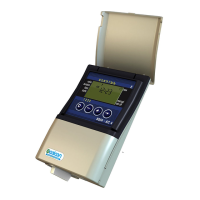
1. In the first screen of the Technician Mode press, the Forward key to display the following screen.
33 AMCFlushing Controller User Guide
Configuring the Controller



 To Next Page