13-20-604 Page 23
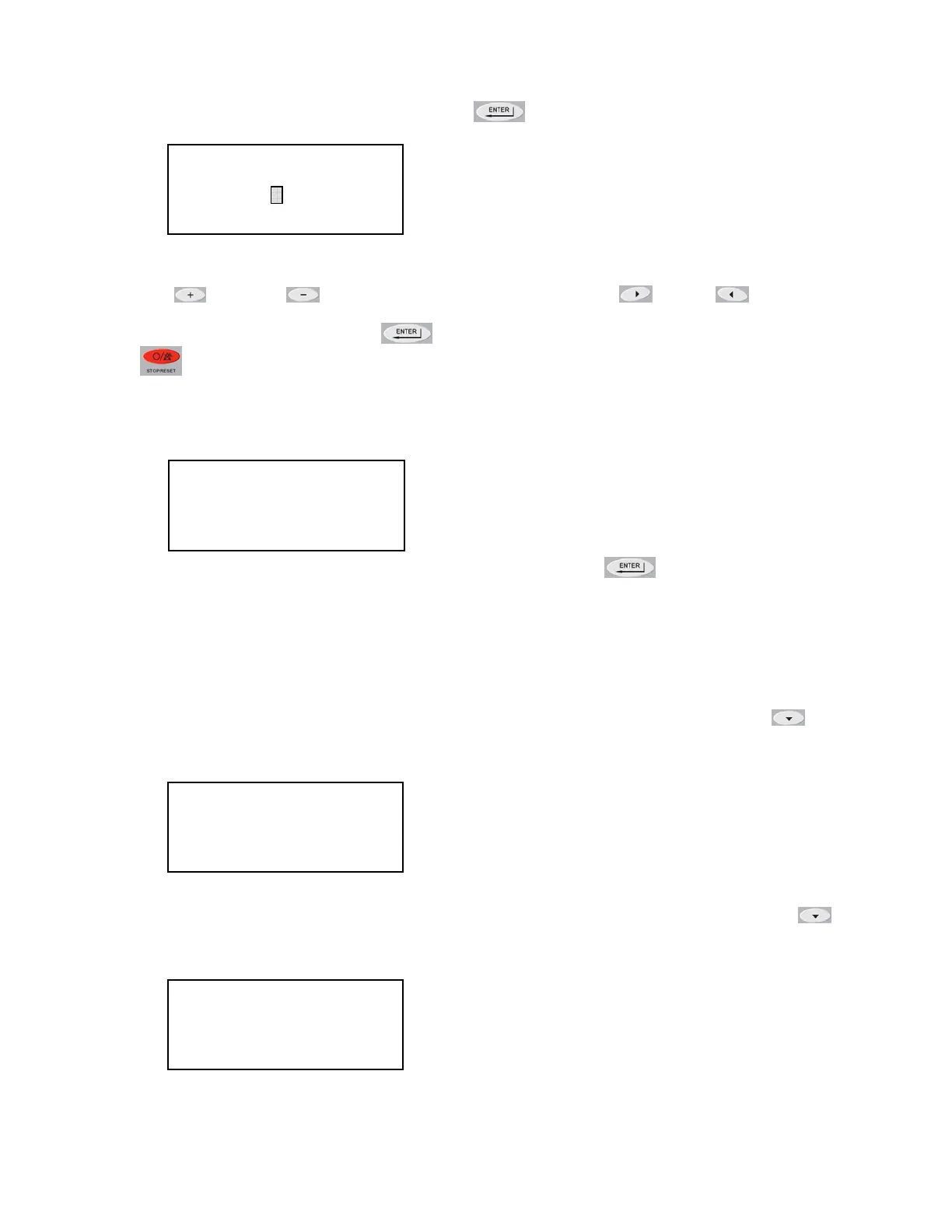
To change the Target Pressure, press the Enter
button to edit the value.
A flashing cursor will appear covering the least significant digit in the Target Pressure value, use the
Plus
and Minus buttons to change its value. Use the Right and Left buttons to
move the cursor to other digits in the Target Pressure value. When the desired Target Pressure
value is displayed, press the Enter
button to save the new value. Pressing the Stop/Reset
button will abort the change and restore the previous value.
In order to save the changes made to parameters, press the Stop/Reset button to go back to the
heading of the current menu and then press the Stop/Reset button again. If parameter changes have
been made, the following screen will appear.
To permanently save the changes that were made, press the Enter
button. If the Stop/Reset
button is pressed, the parameter changes will be lost the next time the compressor power is turned
off.
Setting The Unload and Load Pressure
After setting the Target Pressure, set the Unload and Load Pressures values in a similar fashion. The
Unload pressure is the third item in the Operation Adjustment sub-menu so press the Down
button to navigate to the Unload Pressure setting. The Unload Pressure will control at which
pressure the compressor unload and stops.
The Load pressure is the fourth item in the Operation Adjustment sub-menu so press the Down
button to navigate to the Load Pressure setting. The Load Pressure will control at which pressure the
compressor will startup again after unloading.
OPERATION ADJUSTMENT
TARGET PRESSURE
100 PSI
(EDIT PARAMETER)
OPERATION ADJUSTMENT
UNLOAD PRESSURE
110 PSI
(SELECT PARAMETER)
OPERATION ADJUSTMENT
LOAD PRESSURE
100 PSI
(SELECT PARAMETER
)
STORE MODIFIED
PARAMETERS?
STOP = NO
ENTER = YES





 To Next Page