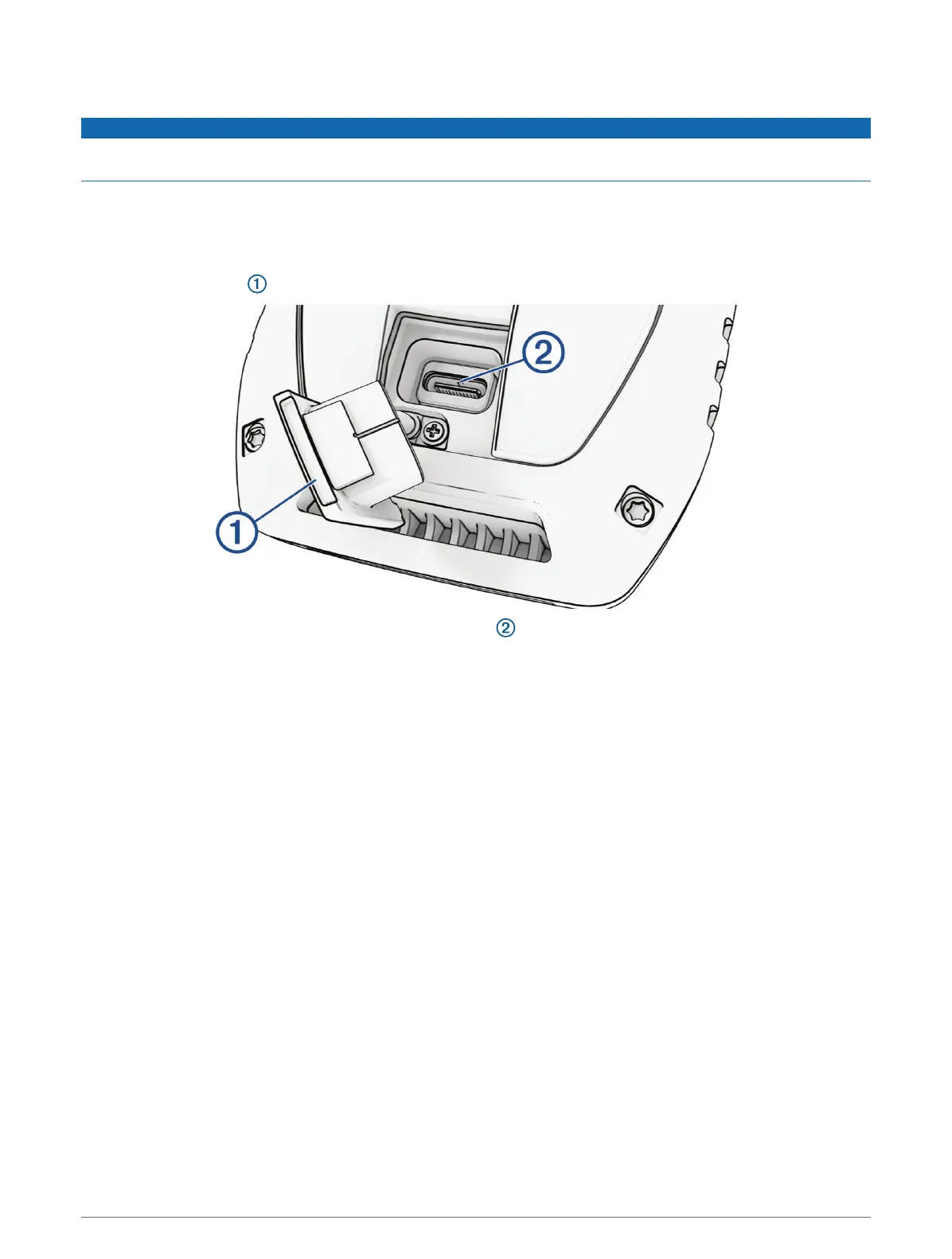
Charging the Handheld Device
NOTICE
To prevent corrosion, thoroughly dry the USB port, the weather cap, and the surrounding area before charging or
connecting to a computer.
NOTE: The device does not charge when it is outside the approved temperature range (Alpha Handheld Device
Specifications, page41).
You should fully charge the battery before you use the device for the first time. Charging a fully depleted battery
takes about 4 hours.
1 Lift the weather cap .
2 Plug the small end of the power cable into the USB port on the device.
3 Plug the other end of the power cable into an appropriate power source.
The LCD display on the handheld device shows the current battery charge level.
4 Getting Started














 To Next Page