ActiveCaptain Roles
Your level of interaction with the ECHOMAP UHD2 device using the ActiveCaptain app depends on your role.
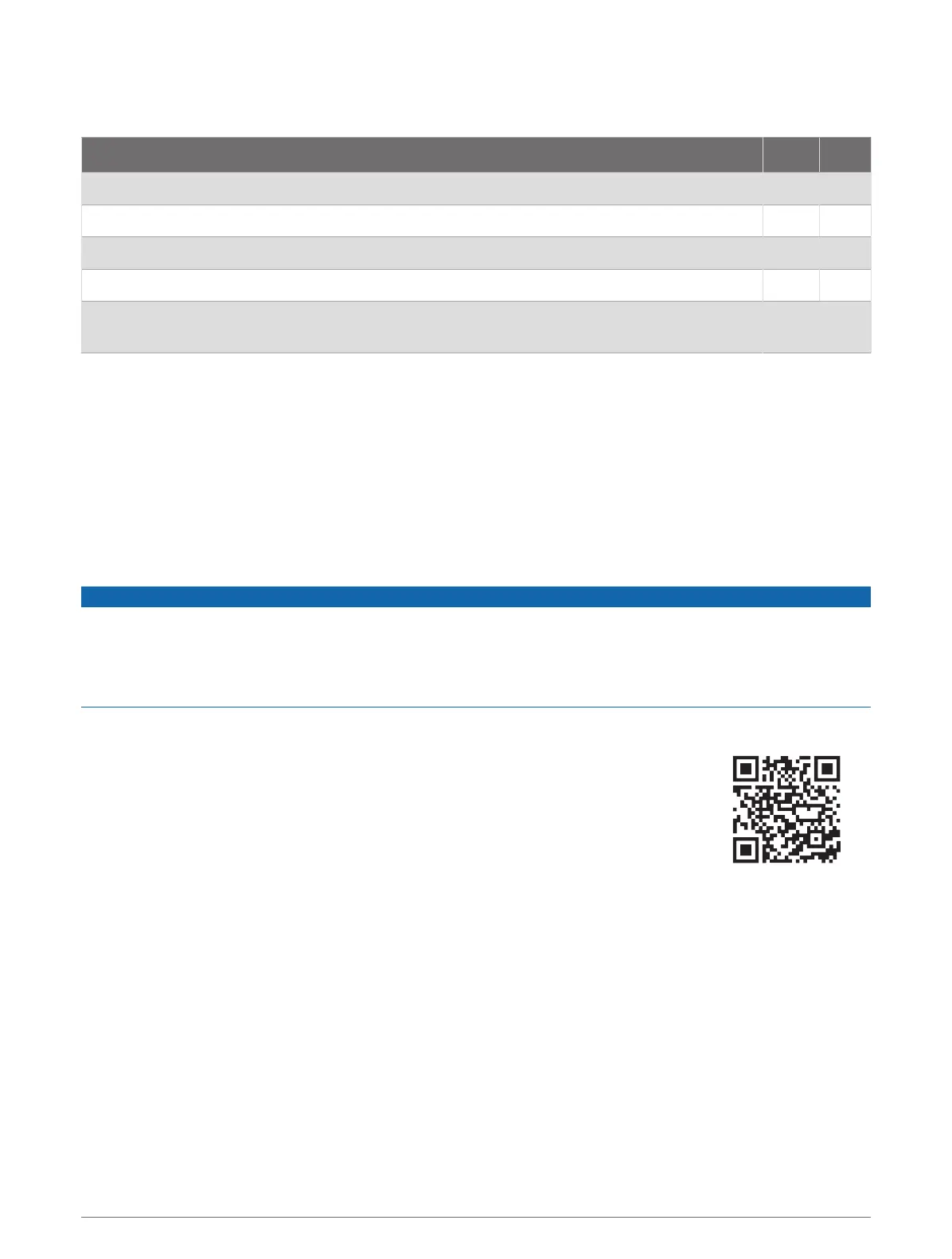
Feature Owner Guest
Register device, built-in maps, and supplemental map cards to account Yes No
Update software Yes Yes
Automatically transfer Garmin Quickdraw contours you have downloaded or created Yes No
Automatically transfer user data, such as waypoints and routes Yes No
Begin navigating to a specific waypoint or navigating a specific route, and send that waypoint
or route to the ECHOMAP UHD2 device
Yes Yes
Getting Started with the ActiveCaptain App
You can connect a mobile device to the ECHOMAP UHD2 device using the ActiveCaptain app. The app provides
a quick and easy way for you to interact with your ECHOMAP UHD2 device and complete such tasks as sharing
data, registering, updating the device software.
1 From the ECHOMAP UHD2 device, select Vessel > ActiveCaptain.
2 From the ActiveCaptain page, select Wi-Fi Network > Wi-Fi > On.
3 Enter a name and password for this network.
4 Insert a memory card in the ECHOMAP UHD2 device's card slot (Inserting Memory Cards, page4).
5 Select Set ActiveCaptain Card.
NOTICE
You might be prompted to format the memory card. Formatting the card deletes all information saved on the
card. This includes any saved user data, such as waypoints. Formatting the card is recommended, but not
required. Before formatting the card, you should save the data from the memory card onto the device internal
memory (Copying User Data from a Memory Card, page61). After formatting the card for the ActiveCaptain
app, you can transfer the user data back to the card (Copying All User Data to a Memory Card, page62).
Be sure the card is inserted each time you want to use the ActiveCaptain feature.
6 From the application store on your mobile device, install and open the ActiveCaptain
app.
TIP: You can scan this QR code using your mobile device to download the app.
7 Bring the mobile device within 32m (105ft.) of the ECHOMAP UHD2 device.
8 From your mobile device settings, open the Wi‑Fi
®
connections page, and connect to the
ECHOMAP UHD2 device, using the name and password you entered in step 3.
ActiveCaptain
®
App 9




 To Next Page