45Forerunner
®
735XT
EN
3 Follow the on-screen instructions.
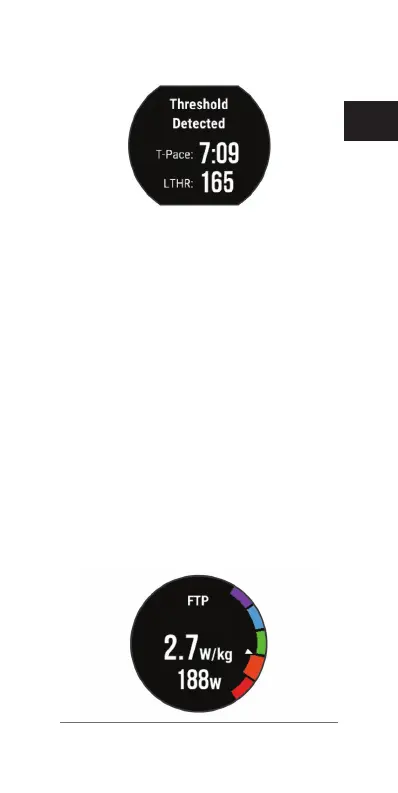
Getting Your FTP Estimate
Before you can get your Functional Threshold
Power (FTP) estimate, you must pair a chest
heart rate monitor and power meter with your
device
(Pairing ANT+ Sensors, page 69)
,
and you must get your VO2 max. estimate
for cycling
(About VO2 Max. Estimates, page
37)
.
The device uses your user prole informa-
tion from the initial setup and your VO2 max.
estimate to estimate your functional threshold
power (FTP).
1 Select Menu > My Stats > Functional
Threshold Power > Auto Detect > On.
Your FTP estimate appears as a value
measured in watts per kilogram, your power
output in watts, and a position on the color
gauge.















 To Next Page