46 Forerunner
®
735XT
EN
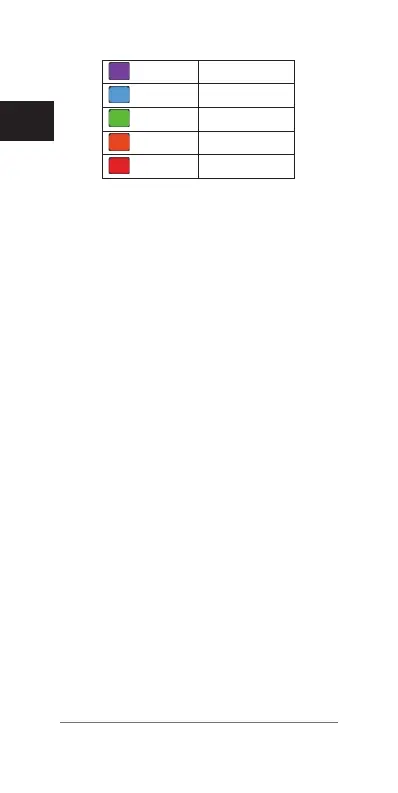
Purple
Superior
Blue
Excellent
Green
Good
Orange
Fair
Red
Untrained
For more information, see the appendix
(FTP Ratings, page 101)
.
NOTE: If the new FTP estimate is better
than your current FTP estimate, you can
save it as your FTP.
2 Select an option:
• Select Accept to save the new FTP.
• Select Decline to keep your current FTP.
Conducting an FTP Test
Before you can conduct a test to determine
your functional threshold power (FTP), you
must pair a chest heart rate monitor and a
power meter with your device
(Pairing ANT+
Sensors, page 69)
, and you must get your
VO2 max. estimate for cycling
(About VO2
Max. Estimates, page 37)
.
1 Select Menu > My Stats > Functional
Threshold Power > Do Guided Test.
2 Follow the on-screen instructions.
After you begin your ride, the device
displays each step duration, the target, and
current power data. A message appears
when the test is complete.
3 After you complete the guided test, com-
plete the cool down.
Your FTP appears as a value measured in















 To Next Page