Garmin G950 Pilot’s Guide for the Pilatus PC-6
190-00870-02 Rev. A
SYSTEM
OVERVIEW
FLIGHT
INSTRUMENTS
EIS
AUDIO PANEL
& CNS
FLIGHT
MANAGEMENT
HAZARD
AVOIDANCE
AFCS
ADDITIONAL
FEATURES
APPENDICESINDEX
442
APPENDIX A
• Audio Alerting System: The G950 System issues audio alert tones when specific system conditions are met.
See the Alert Level Definitions Section for more information. Should the #1 GIA 63W fail, audio and voice
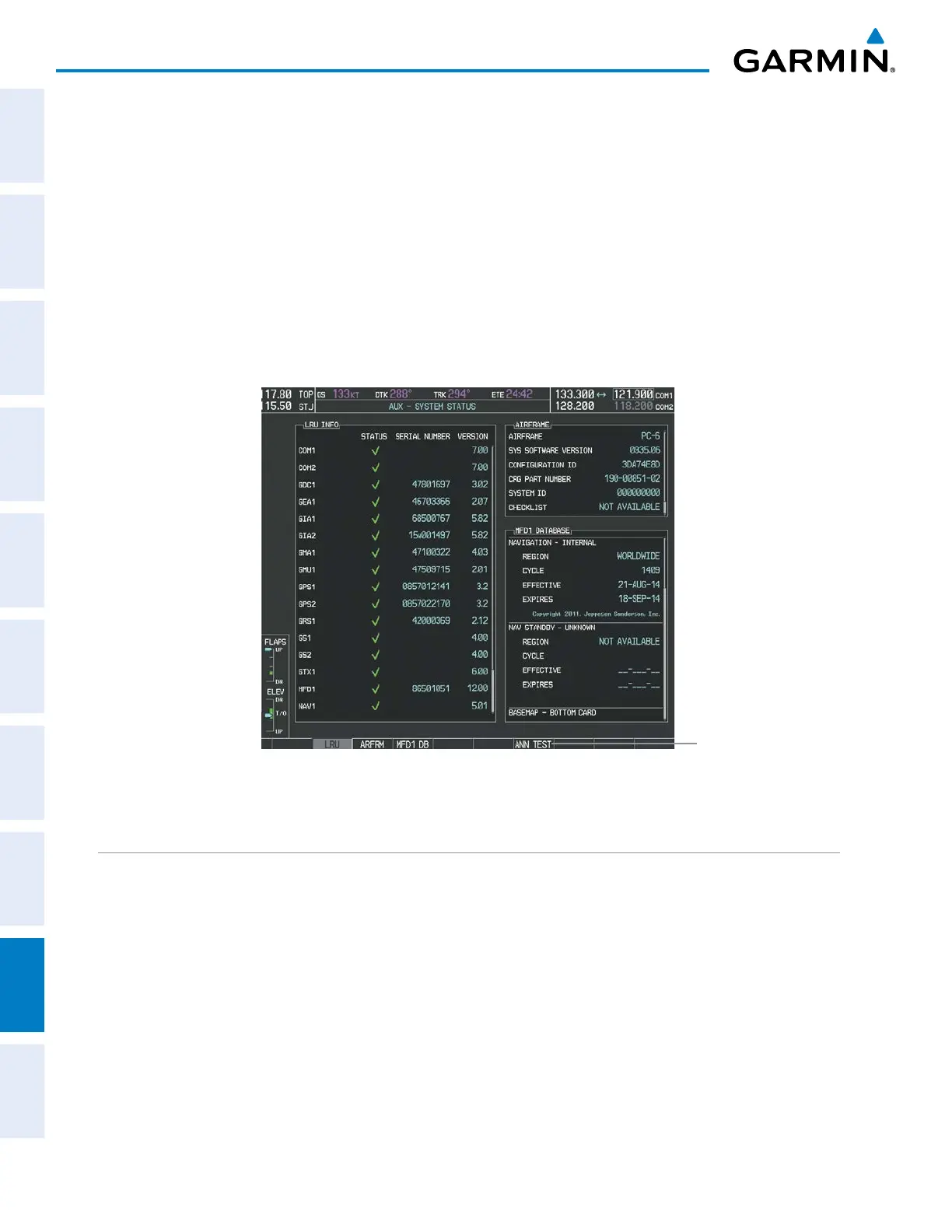
alerts are not generated. The annunciation tone may be tested from the AUX - System Status Page.
Testing the system annunciation tone:
1) Use the FMS Knob to select the AUX - System Status Page.
2) Press the ANN TEST Softkey.
Or:
a) Press the MENU Key.
b) Highlight ‘Enable Annunciator Test Mode’ and press the ENT Key.
Figure A-2 System Status Page, Annunciation Tone Testing
Select to Test
Annunciation Tone
ALERT LEVEL DEFINITIONS
The G950 Alerting System uses four alert levels.
• WARNING: This level of alert requires immediate attention.
Warning alert text is shown in red in the Annunciation Window and is accompanied by a continuous
chime and a flashing WARNING Softkey annunciation (see Figure A-3). Pressing the WARNING Softkey
acknowledges the presence of the warning alert and stops the aural chime.
Warning voice alerts repeat continuously until acknowledged by pressing the WARNING Softkey.
• CAUTION: This level of alert indicates the existence of abnormal conditions on the aircraft that may require
intervention.



 To Next Page