Garmin G950 Pilot’s Guide for the Pilatus PC-6
190-00870-02 Rev. A
SYSTEM
OVERVIEW
FLIGHT
INSTRUMENTS
EIS
AUDIO PANEL
& CNS
FLIGHT
MANAGEMENT
HAZARD
AVOIDANCE
AFCS
ADDITIONAL
FEATURES
APPENDICESINDEX
468
APPENDIX B
The Display Database Softkey (Figure B-11) is used to place the cursor in the Database Window. Upon
first press of the Display Database Softkey, the softkey will change to a selected state (black text on gray
background) and the cursor will appear in the Database Window. At this point the user can scroll through
all databases in the Database Window to view status information. If the Display Database Softkey is pressed
repeatedly, the softkey will switch between the PFD and MFD. Database status information in the Database
Window will reflect the database of the selected display. After a successful sync and restart, verify that the
proper databases are now in use on the AUX–System Status Page (Figure B-8).
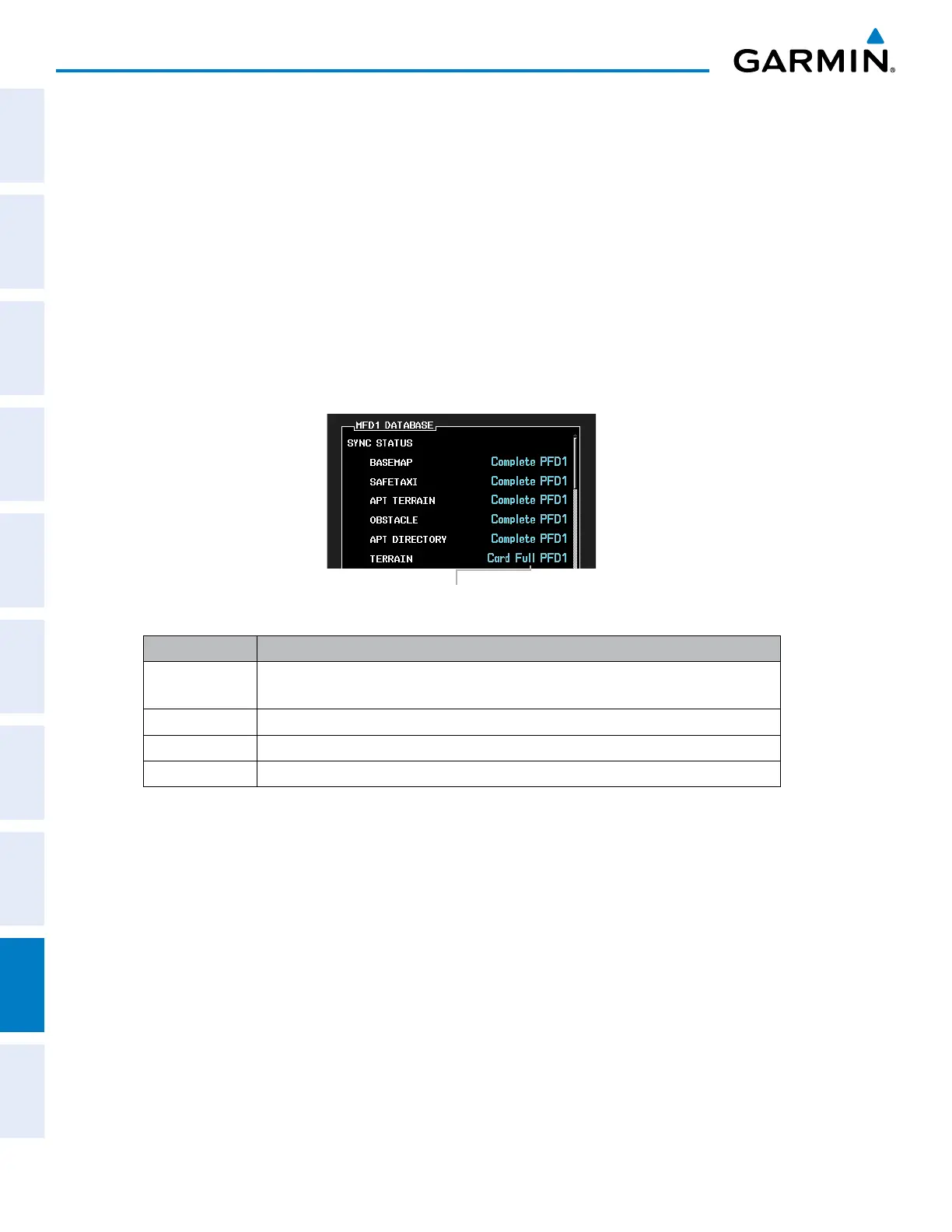
If an error occurs during the synchronization, an error message will be displayed, followed by the affected
display in the Sync Status section of the Database Window (Figure B-9). If a synchronization completes on
one display, but an error occurs on another, the error message will be displayed with the affected diaplay
listed after it. When an error message (Table B-1) is displayed, the problem must be corrected before the
synchronization can be completed. A power cycle is required to restart synchronization when ‘Card Full’ or
‘Err’ is shown.
Figure B-9 Synchronization Error Message
‘Card Full’ Message
Error Message Description
Canceled Database synchronization has been canceled by removing the bottom SD card in
display being updated
Card Full SD card does not contain sufficient memory
Err Displayed for all other errors that may cause the synchronization process to be halted
Timeout System timed-out prior to the database transfer completing
Table B-1 Database Synchronization Error Messages



 To Next Page