To set up weather options on the Map Page:
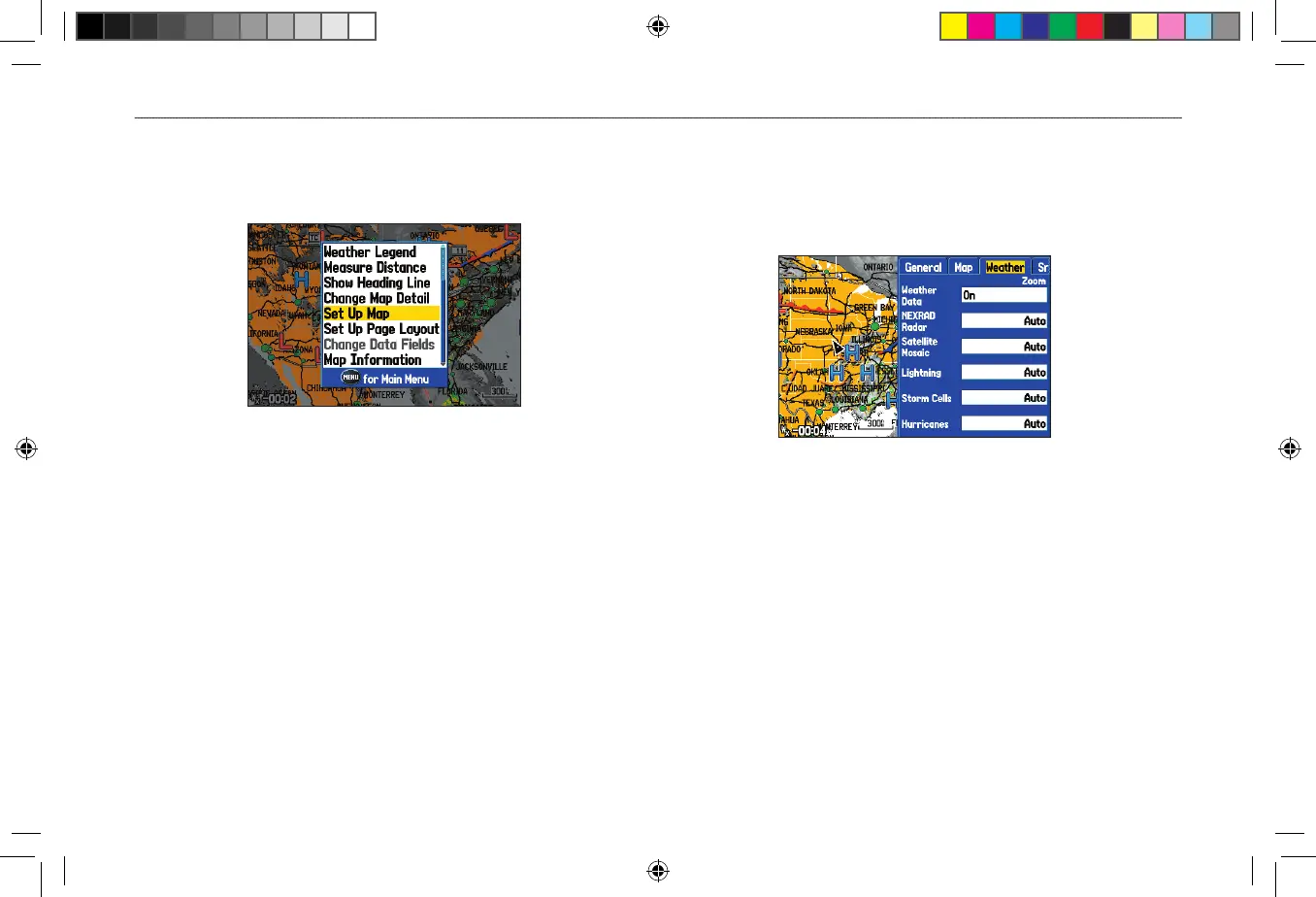
1. From the Map Page, press MENU to open the options menu.
2. Highlight Set Up Map, and press ENTER.
Map Page Options Menu
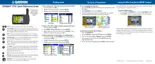
3. Highlight the Weather, Srfc Wx, or Mrn Wx tab.
4. Highlight the field you want to change, and press ENTER.
5. Press PAGE or QUIT to exit.
Weather Tab
Use the Weather tab to turn XM WX Weather data on or off on the
Map Page, and set the map scale at which weather information first
appears on the Map Page.
Weather Tab
Weather Data—Allows you to turn XM WX Weather data on or off
from the Map Page.
NEXRAD Radar, Satellite Mosaic, Lightning, Storm Cells,
Hurricanes—sets the map scale at which feature first appears on the
Map Page. Select Auto, Off, or from 20 ft to 800 nm.












 To Next Page