Turning Your GPSMAP 376C On or Off
Before you turn on the GPSMAP 376C, be sure the antenna is up as
shown on page 1, and it has a clear and unobstructed view of the sky
to receive satellite signals.
The first time you turn on your GPSMAP 376C, the GPS receiver
must collect satellite data and establish its current location. To
ensure proper initialization, the GPSMAP 376C is shipped from
the factory in AutoLocate mode, which allows the receiver to “find
itself” anywhere in the world.
To turn the GPSMAP 376C on and off:
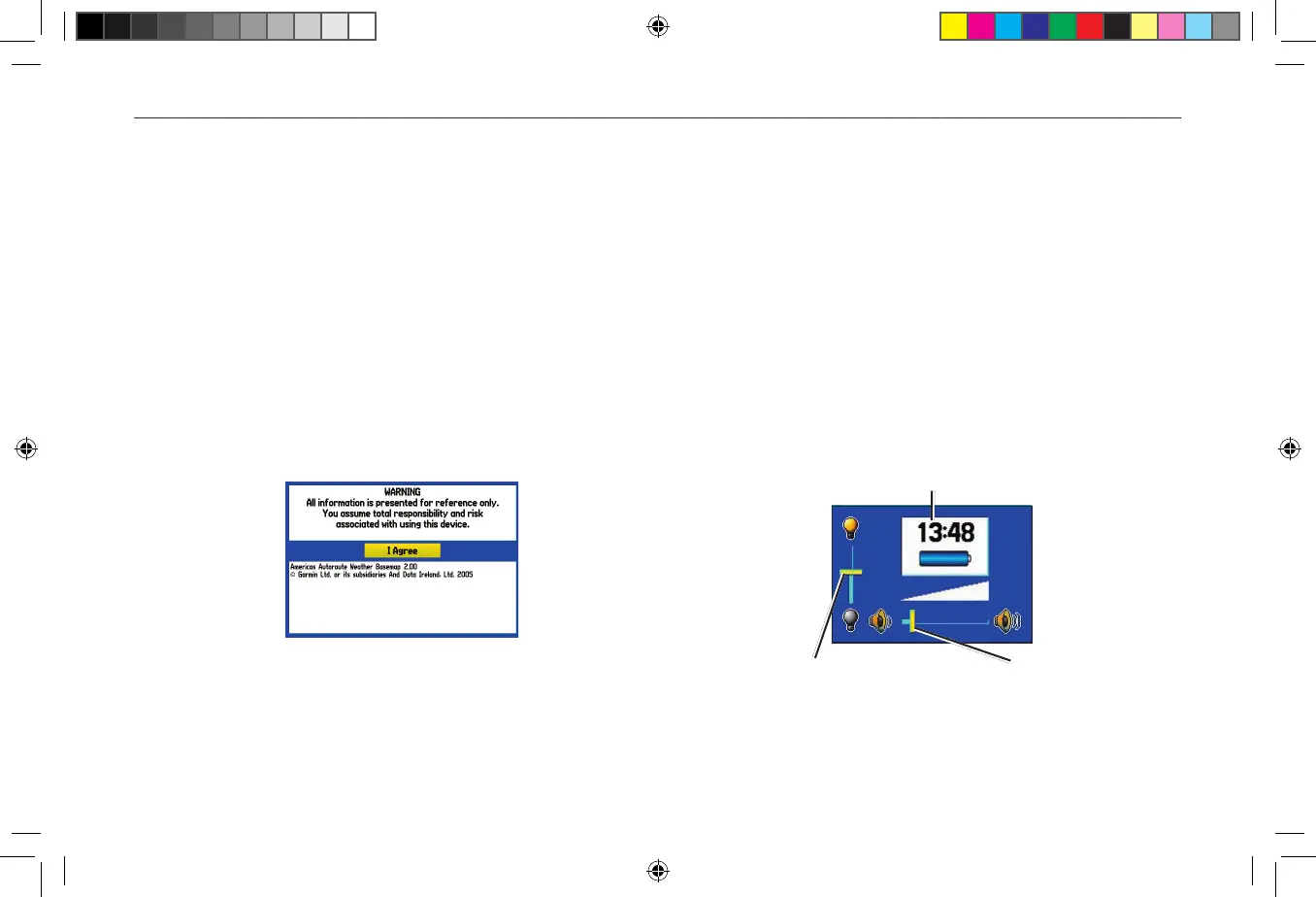
1. Press and hold the POWER key. When the unit turns on, a
tone sounds and the Warning Page appears.
Warning Page
2. Read the warning, and then press ENTER to continue.
3. To turn off the GPSMAP 376C, press and hold the POWER
key again.
Adjusting the Backlight and Volume
You can adjust the backlight to see the screen better. If you are
using the external speaker with 12/24-Volt adapter cable with
the GPSMAP 376C, or you have headphones plugged into the
headphone jack, you can adjust the volume level of the audio output.
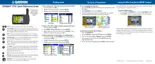
To adjust the backlight level or volume:
1. Press and quickly release the POWER key.
2. Press up on the ROCKER to increase the brightness or
press down to decrease. Press right to raise the volume or
left to lower.
3. Press ENTER or QUIT to close the Backlight/Volume
adjustment window.
Backlight
adjustment slider
Volume
adjustment slider
Battery time remaining and power source indicator












 To Next Page