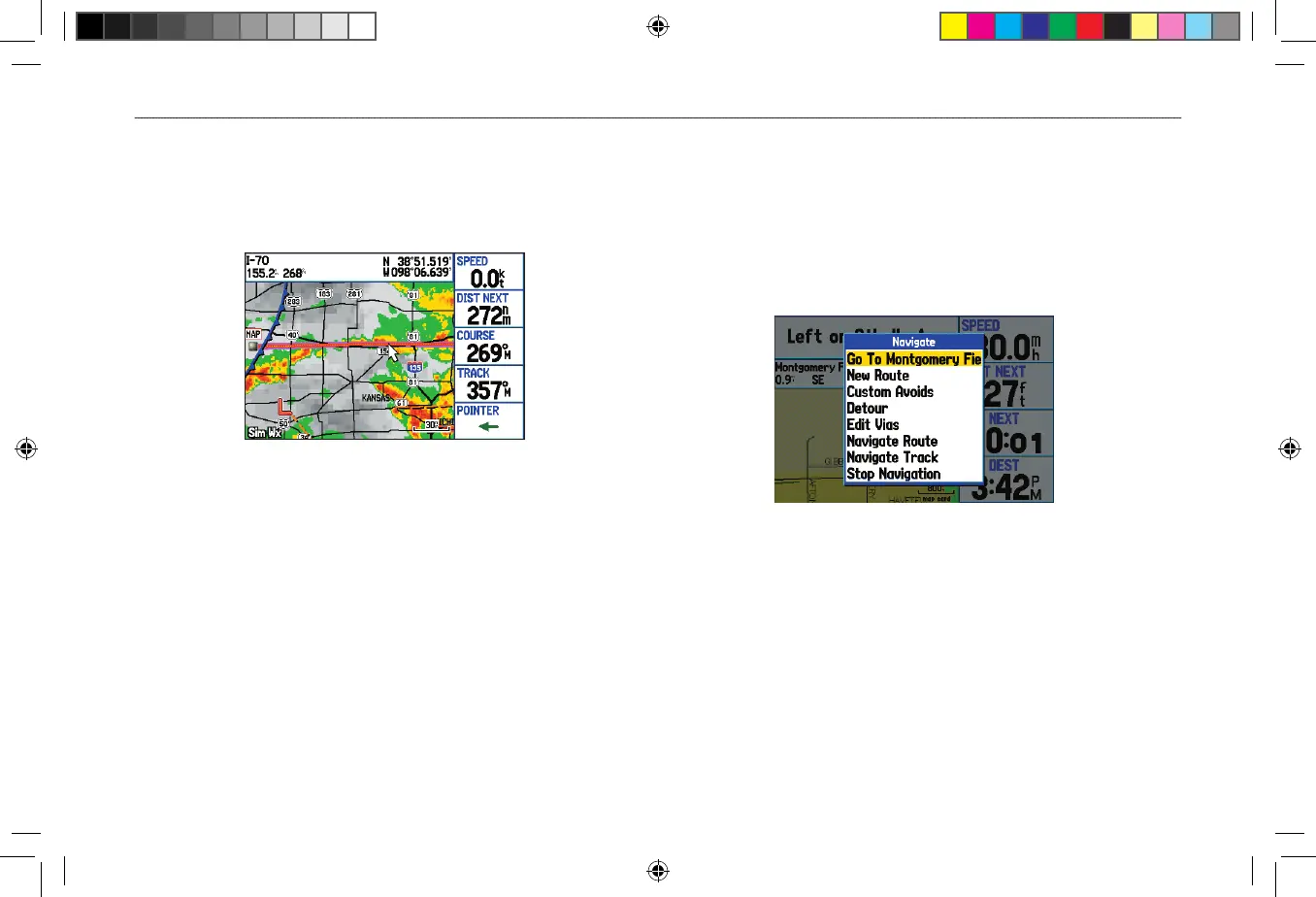
To navigate (Go To) a point on the map:
1. Highlight a point to navigate to, and press NAV.
2. Highlight Go To <point name>, and press ENTER.
3. Follow the magenta line created on the Map Page.
Stopping and Resuming Navigation
When navigating to a point, you can stop navigation. For example,
if you are on a long car trip, but you want to stop for dinner, you can
stop navigation and resume after dinner.
To stop navigation:
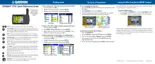
1. While navigating to a point, press NAV.
Navigate Menu in Automotive Mode
2. Highlight Stop Navigation, and press ENTER.
3. Highlight Resume Navigation, and press ENTER.












 To Next Page