Entering
data
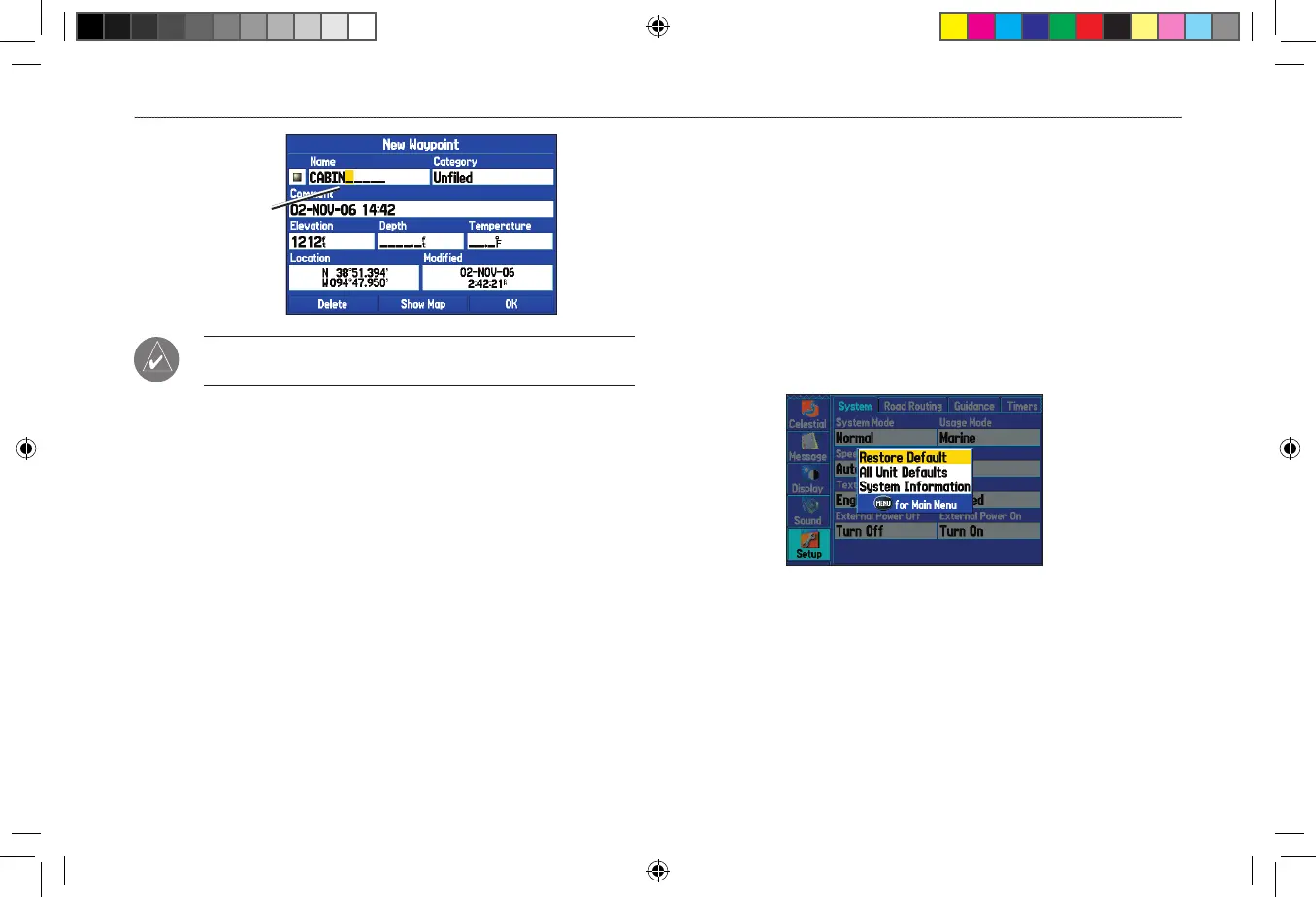
TIP: To clear the entire data field, highlight the left-most
character field and press left on the ROCKER again.
3. Press
ENTER.
Not all fields are programmable. When you are on a page with fields
that are not selectable, the highlight skips over them.
Restoring Default Settings
You can restore factory defaults for the following Main Menu tabs:
Track, Alarms, Display, Sound, and Setup. For more information
about the Main Menu, see the “Main Menu” section beginning on
page 67.
To restore
default settings:
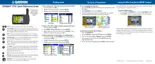
1. Press MENU twice to open the Main Menu.
2. Use the ROCKER to highlight a tab, and then press MENU to
open the options menu.
Setup Tab Options Menu
3. Highlight Restore Default, and press ENTER.












 To Next Page