MARINE MODE
This section explains some of the more common operations you will perform with your GPSMAP 376C.
To switch usage modes:
1. Press and hold the PAGE/MODE key. The Usage Mode Menu appears.
2. Select Automotive or Marine, and press ENTER.
Marine Mode Pages
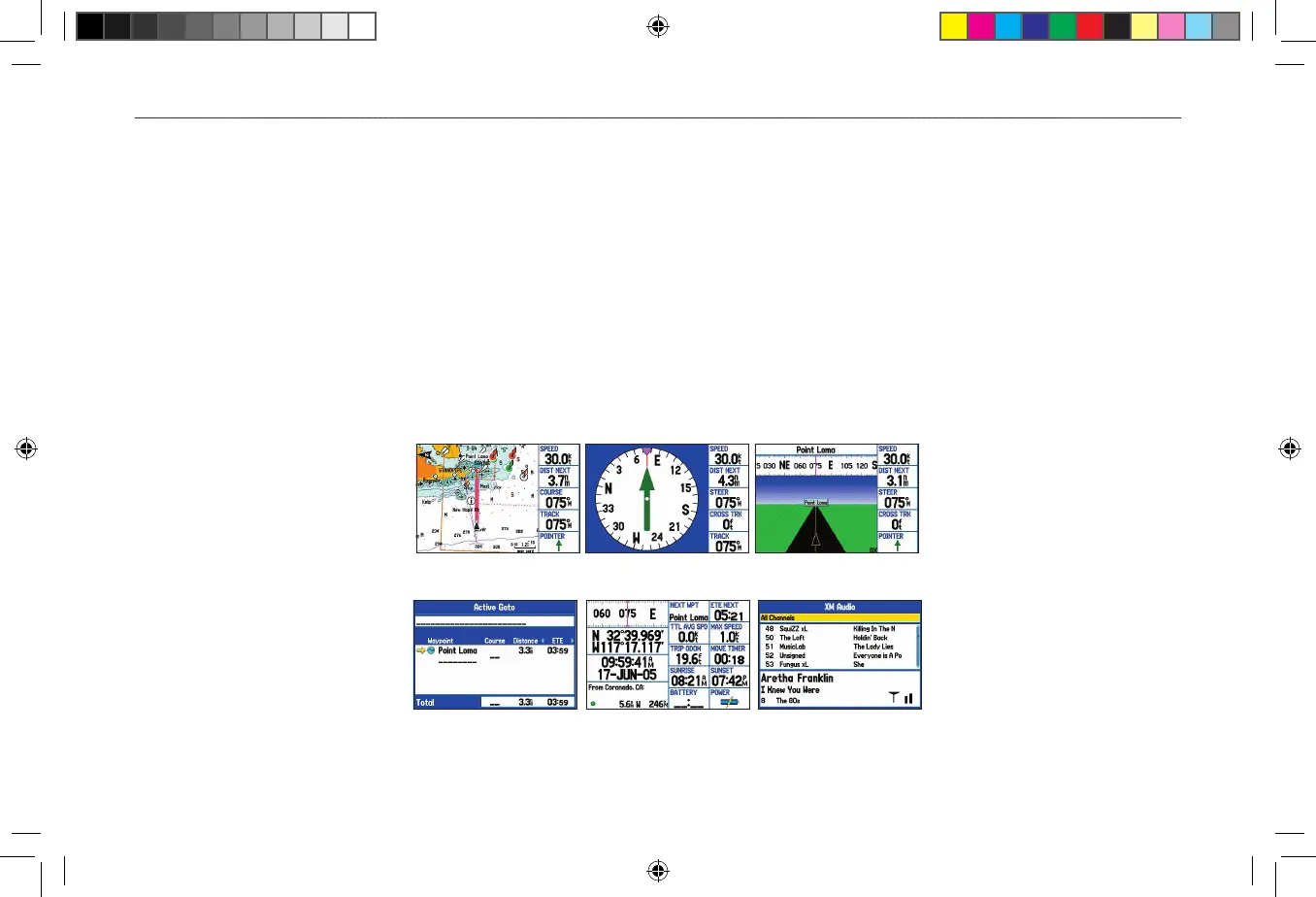
Marine Mode has five main pages: Map, Compass, Highway, Active Route, and Position Data. An optional XM Audio Page can be enabled.
And an optional Sonar Page is available when GSD 21 or GSD 20 is connected. See the “Setting Up and Using Sonar” section beginning on
page 90 for more information.
Map Page
Compass Page
Highway Page
Position Data Page
Active Route Page
XM Audio Page
(Optional)












 To Next Page