To create a new route:
1. Press NAV to open the Navigate Menu.
2. Highlight New Route, and press ENTER.
3. From the Find Menu, highlight Waypoints, and press
ENTER. (You can also choose to go to other points, such as
Cities or Exits from this list. The steps vary only slightly from
those listed for waypoints.)
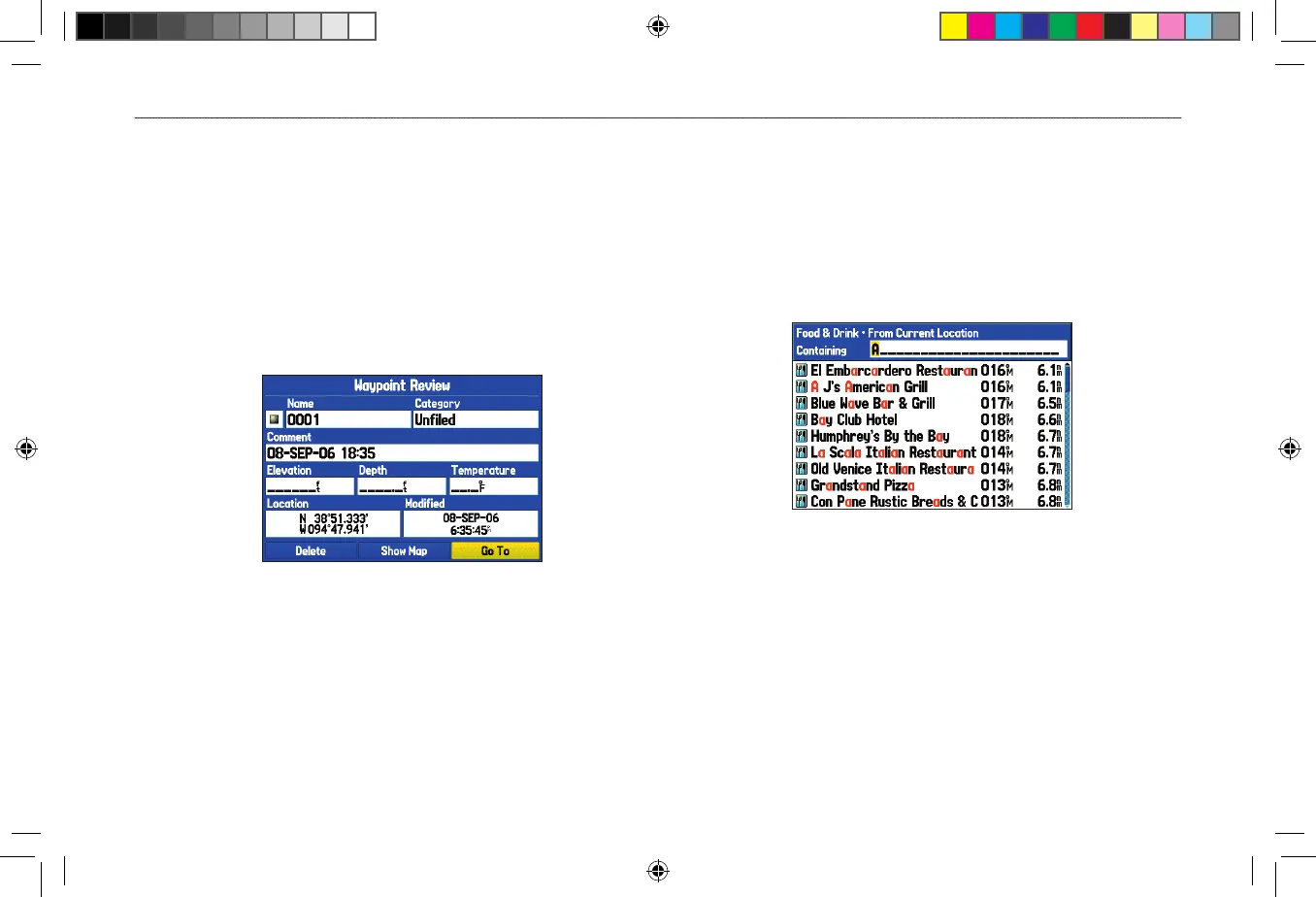
4. Select a waypoint from the list, and press ENTER to open the
Waypoint Review Page.
5. Highlight the Go To button, and press ENTER to begin
navigation.
To go to a destination using the Find Menu:
1. Press FIND to open the Find Menu.
2. Highlight a category, and press ENTER.
3. Press ENTER, and use the ROCKER to begin entering the
letters contained in the item name. The list begins to sort by
the items which contain the letters you are entering. Press
ENTER when finished.
4. Highlight the item you want from the list, and press ENTER.
5. Highlight the Go To button, and press ENTER.
For complete information about finding an item, see the “Finding an
Item” section on page 17.












 To Next Page