Connecting the GXM 30 Antenna
Connect the GXM 30 antenna to the GPSMAP 376C to access XM
WX satellite weather and XM Radio. For more information about
the GXM 30 antenna, see the GXM 30 Owner’s Manual.
NOTE: You must subscribe to XM Radio and/or XM WX
Satellite Weather to use the XM Radio and/or XM Weather
features on your GPSMAP 376C.
To connect the GXM 30 antenna:
1. Position the antenna where it has a clear view of the sky.
This can be on the outside of the vehicle or behind the
windscreen.
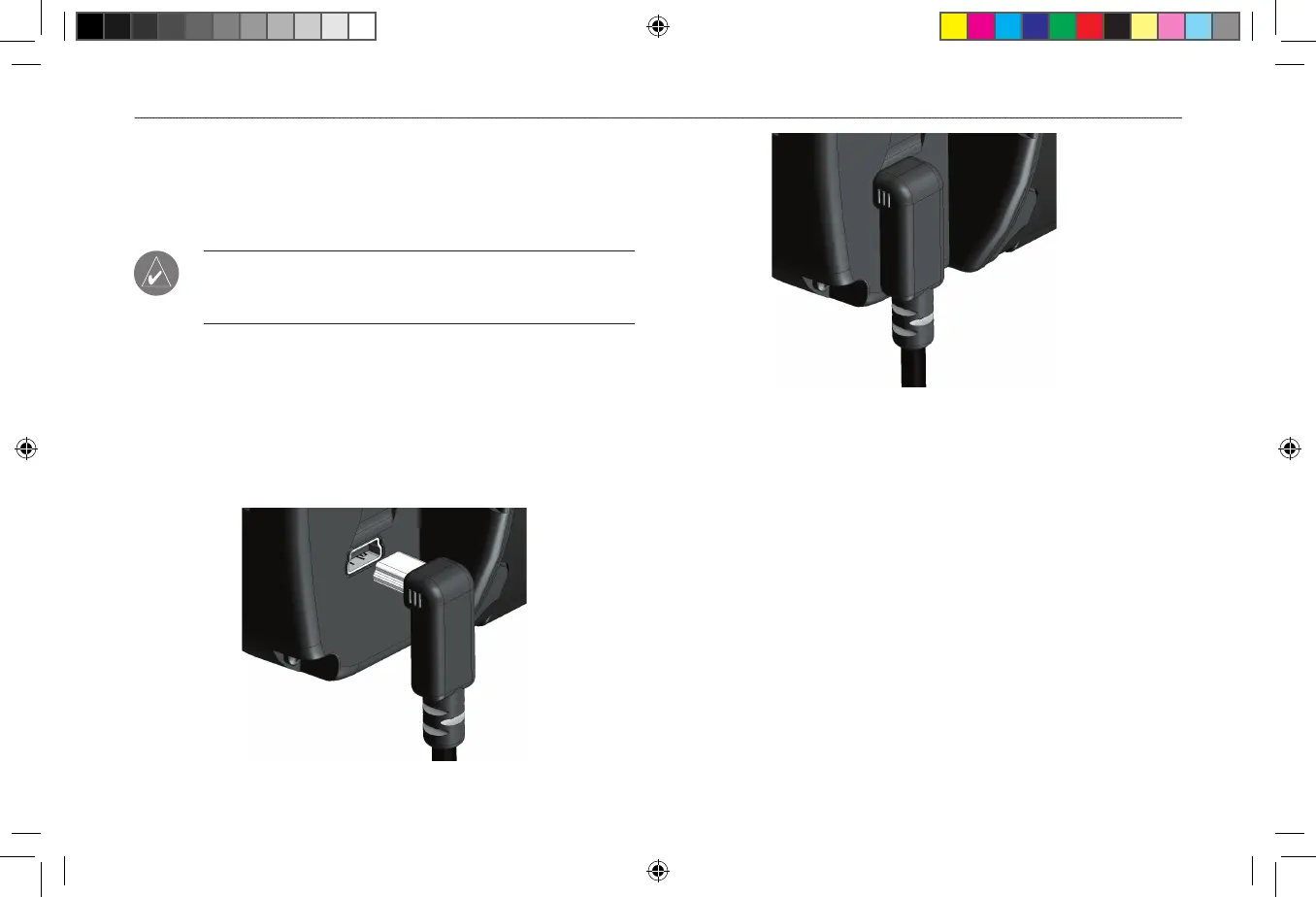
2. Plug the GXM 30 cable into the USB port on the back of the
unit, as shown in the following illustrations.
GXM 30 Antenna Plugged In












 To Next Page