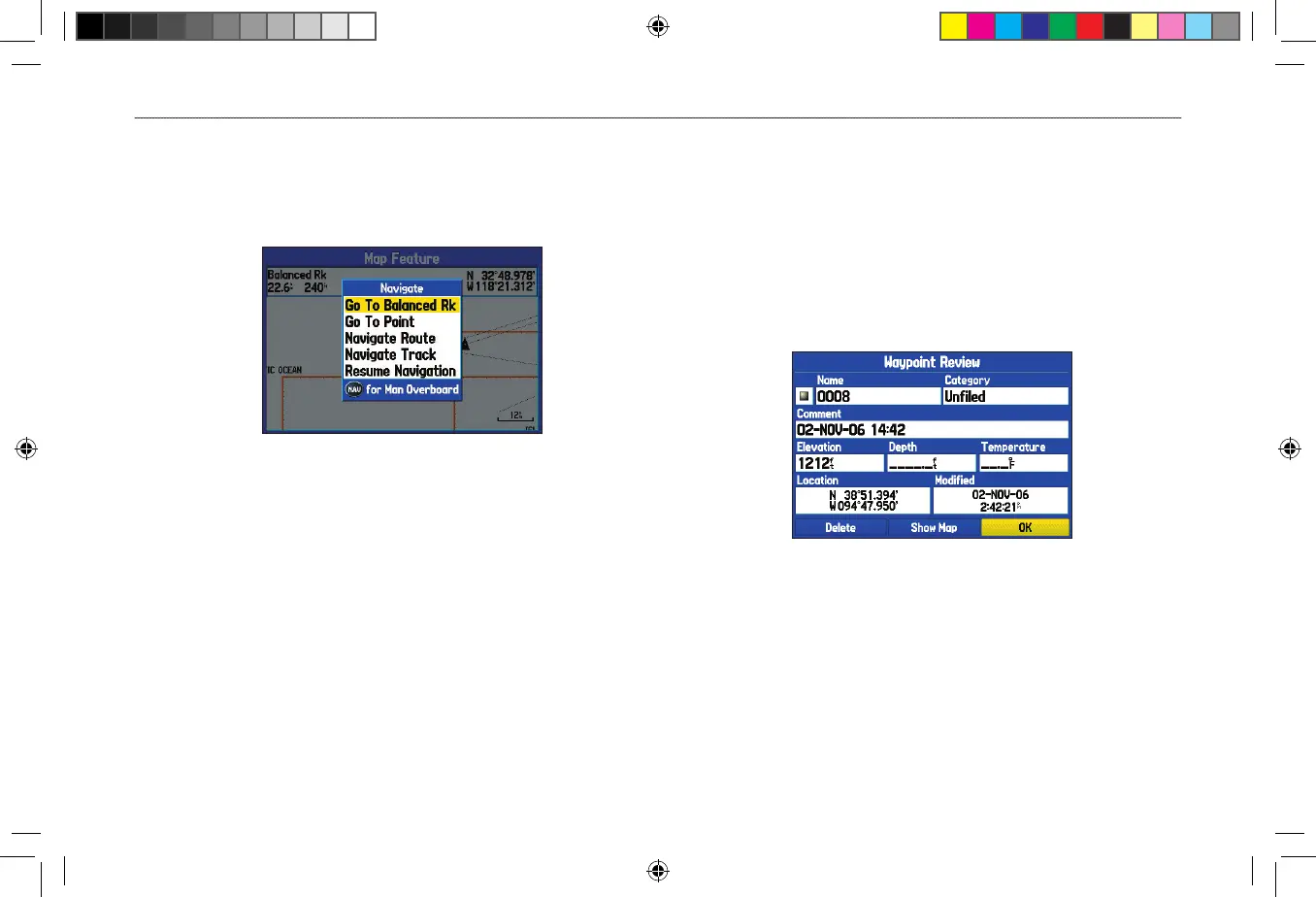
To navigate (Go To) a point on the map:
1. On the Map Page, highlight a point to navigate to, and press
NAV.
2. Highlight Go To <point name>, and press ENTER.
Navigate Menu
3. Follow the magenta route created on the Map Page.
To stop navigation:
1. While navigating to a point, press NAV.
2. Highlight Stop Navigation, and press ENTER.
3. Highlight Resume Navigation, and press ENTER to resume
navigation.
To start a new route using the Find Menu:
1. Press the NAV key to open the Navigate Menu.
2. Highlight Go To Point (or New Route when in Automotive
Mode), and press ENTER to open the Find Menu.
3. From the Find Menu, highlight Waypoints, and press
ENTER.
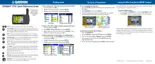
4. Select a waypoint from the list, and press ENTER to open the
Waypoint Review Page.
Waypoint Review Page
5. With the Go To button highlighted, press ENTER to begin
navigation.












 To Next Page