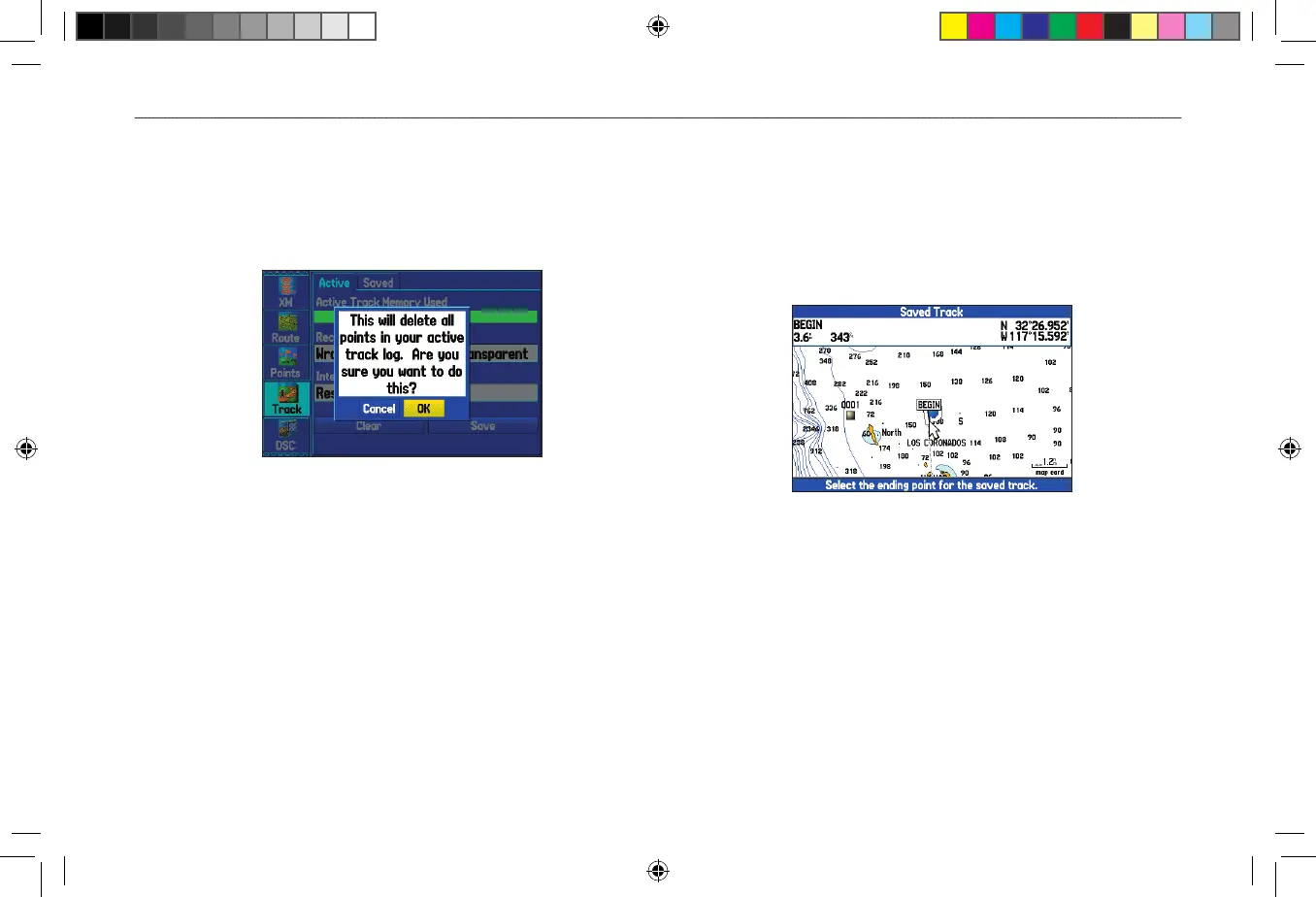
To clear the track log:
1. Highlight the Track tab on the Main Menu, and then highlight
the Active sub tab.
2. Highlight the Clear button, and press ENTER. A confirmation
message appears.
Clearing the track log
3. Highlight OK, and press ENTER.
To save the entire track log:
1. Highlight the Track tab on the Main Menu, and then highlight
the Active sub tab.
2. Select Save, and press ENTER. A message appears asking
if you want to save the entire track.
3. Highlight Yes, and press ENTER.
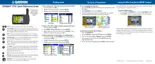
To save a portion of the track log:
1. Highlight the Track tab on the Main Menu, and then highlight
the Active sub tab.
2. Select Save, and press ENTER.
3. Highlight No and press ENTER when a message appears.
4. Select a beginning point, and press ENTER.
5. Select an ending point, and press ENTER.
6. Highlight OK, and press ENTER to save the track.












 To Next Page