GPSMAP
®
4000/5000 Series Owner’s Manual 91
Sonar
Showing and Conguring a Depth Line
You can set whether a quick-reference depth line appears.
1. From the Home screen, select > > > .
2. Set the depth of the reference line:
• For the GPSMAP 4000 series, use the.
• For the GPSMAP 5000 series, touch and drag the line.
Showing the A-Scope
The A-Scope is a vertical asher along the right side of the screen that shows instantaneously the range to
targets along a scale.
From the Home screen, select > >>.
Setting the Sonar Picture Advance Rate
The picture advance setting allows the sonar picture to advance faster by drawing more than one column of
data on the screen for each column of sounder data received. This is especially helpful when you are using
the sounder in deep water, because the sonar signal takes longer to travel to the water bottom and back to the
transducer.
The 1/1 setting draws one column of information on the screen per sounder return. The 2/1 setting draws two
columns of information on the screen per sounder return, and so on for the 4/1 and 8/1 settings.
1. From the Home screen, select > > .
2. Select a value for the picture advance setting.
Showing Overlay Numbers
You must have a water-speed sensor or a speed-capable transducer to show water speed information, and
you must have a water-temperature sensor or a temperature-capable transducer to show water temperature
information.
You can set water temperature, unit voltage, water speed (if your transducer is capable), and navigation
information to appear automatically on the Sonar screens. The navigation information always includes GPS
speed and GPS heading, and includes bearing and off-course information while navigating.
1. From the Home screen, select > > .
2. Complete an action:
• Select > .
• Select > .
• Select > .
• Select > .
If you select , and if the transducer is capable, the data appears on the Sonar screen.
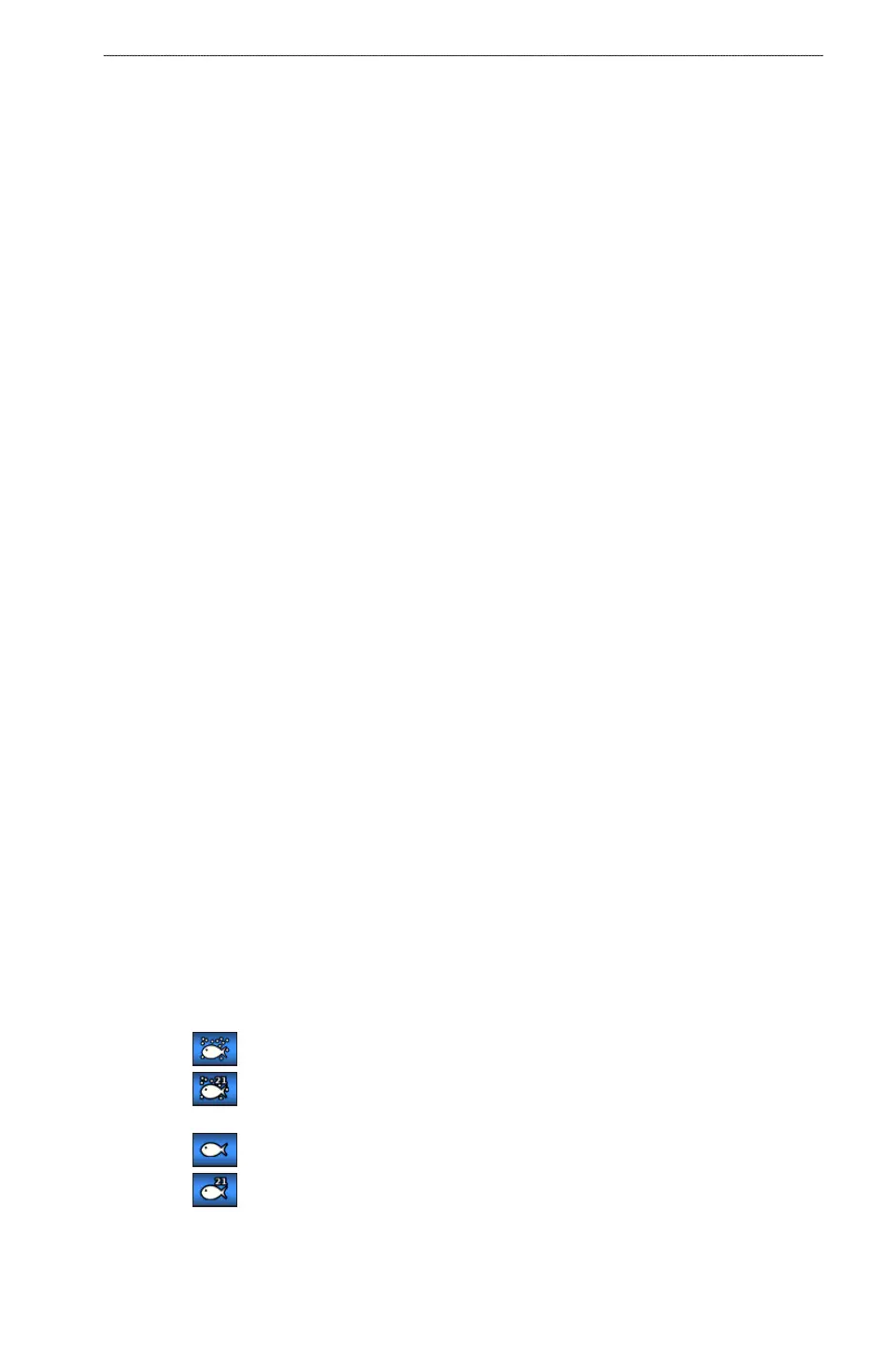
Conguring the Appearance of Suspended Targets
You can set how the sonar interprets suspended targets.
1. From the Home screen, select > > > .
2. Complete an action:
• Select to show suspended targets as symbols with background sonar information.
• Select to show suspended targets as symbols with background sonar information and target
depth information.
• Select to show suspended targets as symbols.
• Select to show suspended targets as symbols with target depth information.
Showing and Conguring the Whiteline
You can highlight the strongest signal from the bottom to help dene the hardness or softness of the signal.
1. From the Home screen, select > > > .













 To Next Page