GPSMAP
®
4000/5000 Series Owner’s Manual 35
Navigation
11. Complete an action:
• Select .
• Select > > . Enter the name of the route. Select .
Creating and Saving a Route
This procedure saves the route and all the waypoints in it. The starting point can be your present location or
another location.
1. From the Home screen, select > > > .
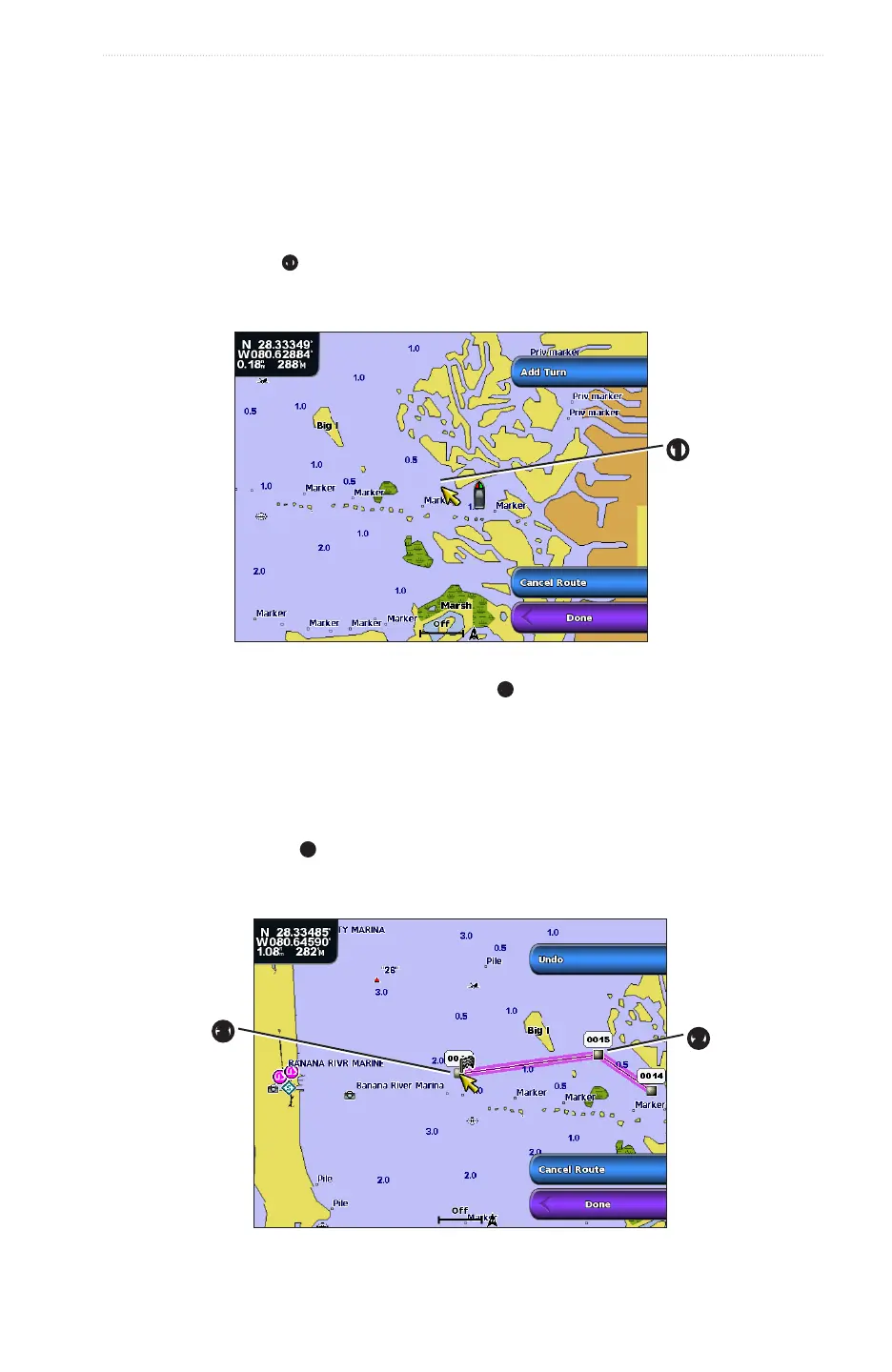
2. Select the starting point
➊
of the route:
• Select . Select a location on the chart.
• Select and select a saved waypoint.
➊
3. Select to mark the starting point of the route.
4. Select the location where you want to make the next turn
➋
:
• Select . Select a location on the chart.
• Select and select a saved waypoint.
5. Select .
The chartplotter marks the position of the turn with a waypoint.
6. If necessary, repeat steps 4 and 5 to add additional turns.
7. Select the nal destination
➌
:
• Select . Select a location on the chart.
• Select and select a saved waypoint.
➌
➋
8. Select .














 To Next Page