88 GPSMAP
®
4000/5000 Series Owner’s Manual
Sonar
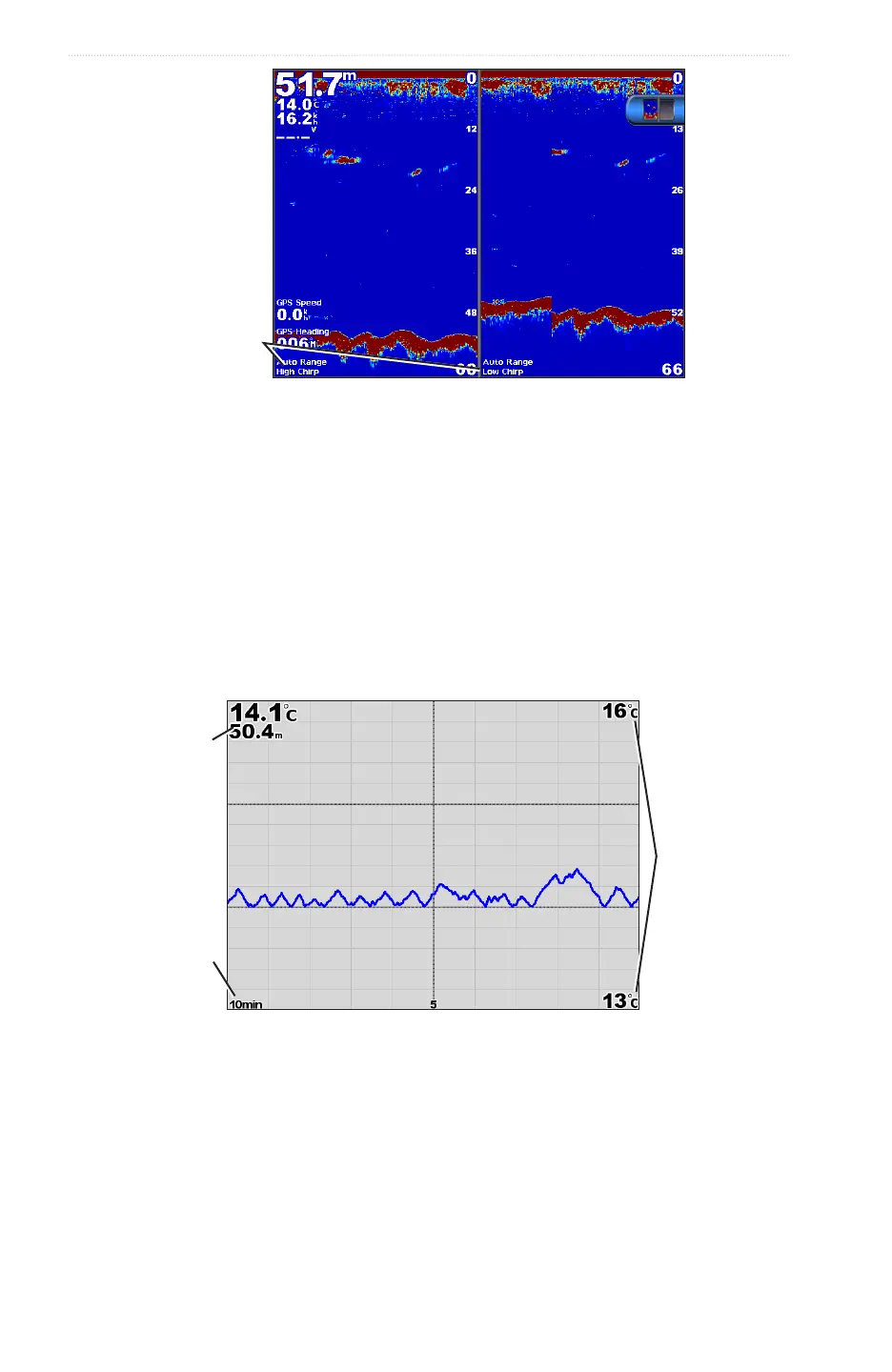
Split-frequency Sonar View
Transducer
frequencies
Water Temperature Log
If you are using a temperature-capable transducer, the temperature log shows water temperature readings over
time. You can view the temperature log by selecting > from the Home screen.
Setting the Temperature Log Range and Time Scales
1. From the Home screen, select > .
2. Select .
3. Complete an action:
• Selectto set the time-elapsed scale. The default setting is 10 minutes. Increase the time-
elapsed scale to view temperature variations over a longer period of time.
• Select to set the temperature-range scale. The default setting is 4 degrees. Increase the
temperature-range scale to view more variation in temperature.
Temperature
and depth
Time
elapsed
Temperature
range
Water Temperature Log
Waypoints on the Sonar Screen
Pausing the Sonar Screen
1. From the Home screen, select .
2. Select a sonar view.
3. Select > .














 To Next Page