Device Overview
4 GPSMAP 400/500 Series Owner’s Manual
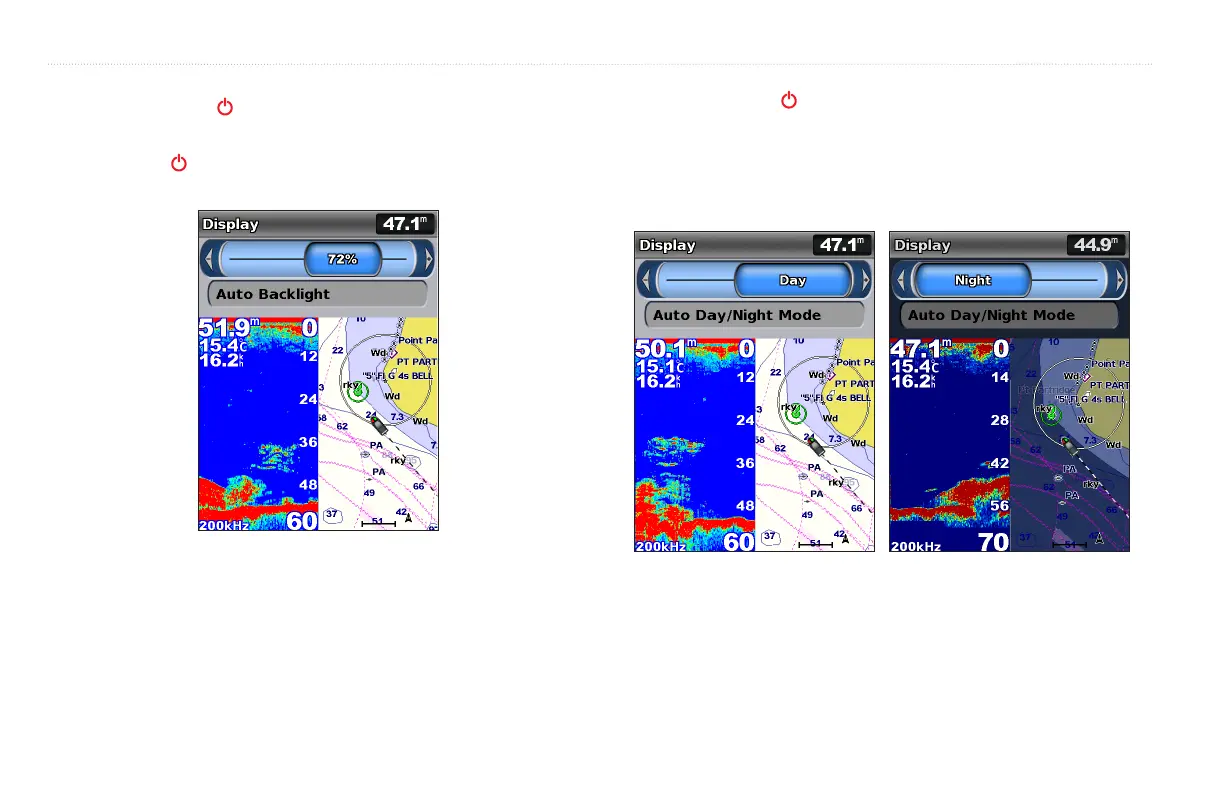
1. Press and release the key.
2. Press left or right on the to adjust the brightness.
Press the Power key repeatedly to cycle between maximum
backlight, minimum backlight, and your manual setting.
To allow the unit to automatically adjust the backlight based on ambient light,
select (automatic backlight is available only on the GPSMAP
536 and 546).
1. Press and release the key.
2. Select .
3. Press left or right on the to switch between modes.
To allow the unit to automatically adjust the backlight based on ambient light,
select .













 To Next Page