Using Charts
GPSMAP 400/500 Series Owner’s Manual 19
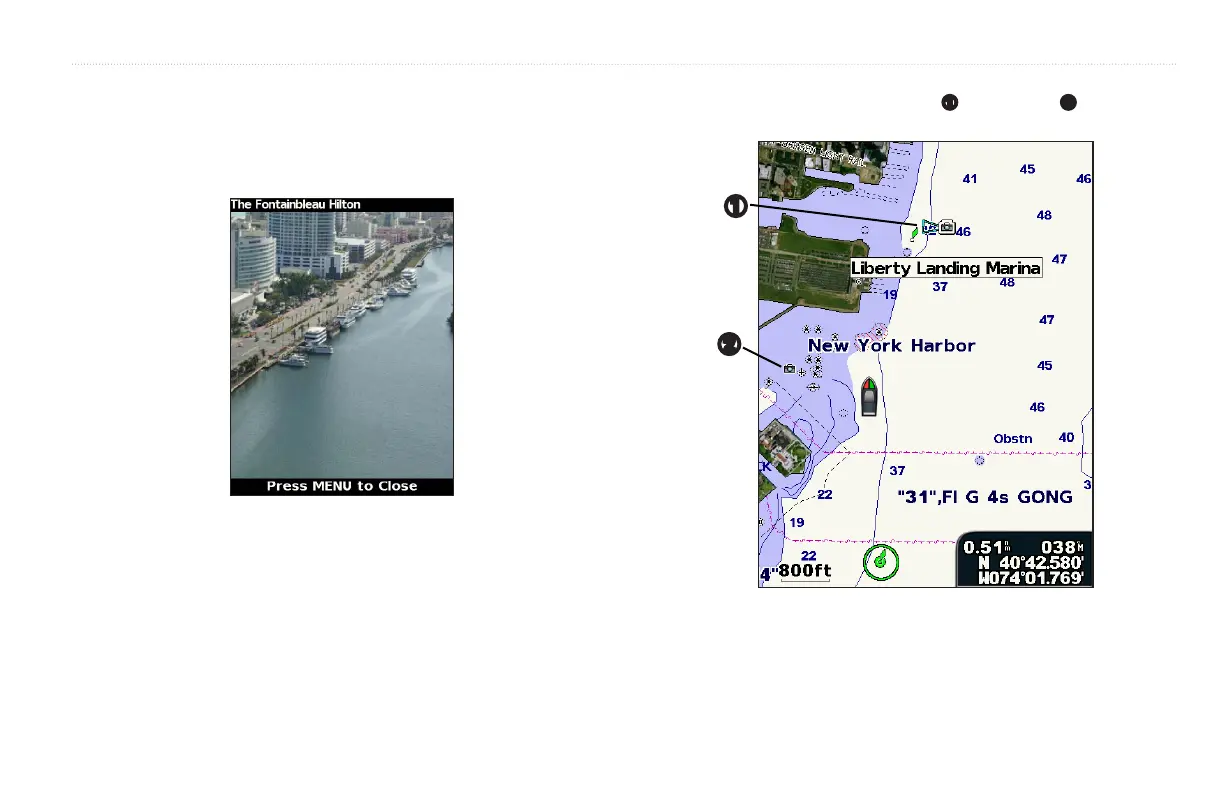
Preprogrammed BlueChart g2 Vision SD cards contain aerial photographs
of many landmarks, marinas, and harbors. Use these photos to help orient
yourself to your surroundings or to acquaint yourself with a marina or a harbor
prior to arrival.
: Use the (-/+) keys to zoom in and out while viewing the aerial
photo on the full screen.
Use the to highlight an overhead
➊
or perspective
➋
camera icon
with the pointer, and select or >.
➊
➋













 To Next Page