Viewing Information
36 GPSMAP 400/500 Series Owner’s Manual
1. Select > > .
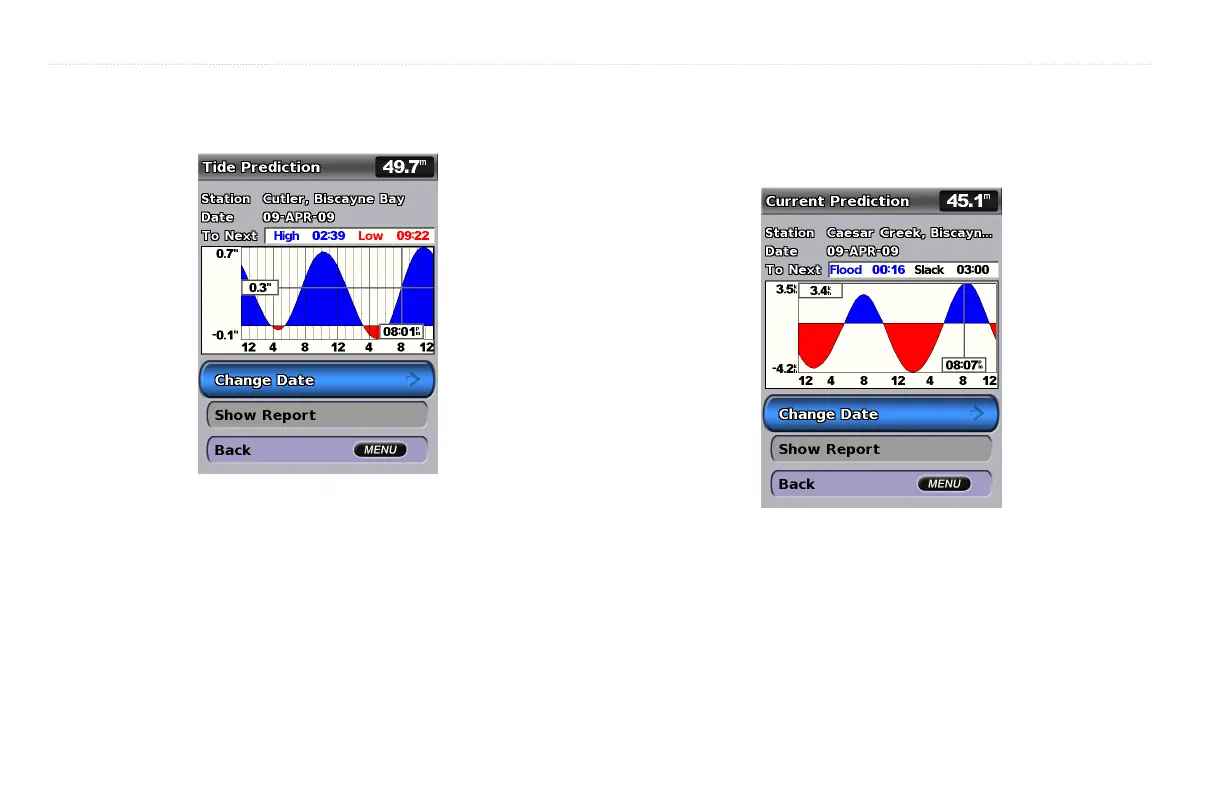
2. Select a tide station. Tide-station information is shown.
• Select > to view tide information for a different
date. Select the left and right arrows on the to move the time
line.
• Select to view the Tide Prediction Report for the selected
station.
Use the Current Prediction screen to view information for currents.
1. Select > > .
2. Select a current station. Current-station information is shown.
• Select > to view current-station information for
a different date.
• Select to view the Current Prediction Report for the
selected station.
: You can select both tide-station and current-station information
directly from the Navigation chart.













 To Next Page