Using Charts
GPSMAP 400/500 Series Owner’s Manual 17
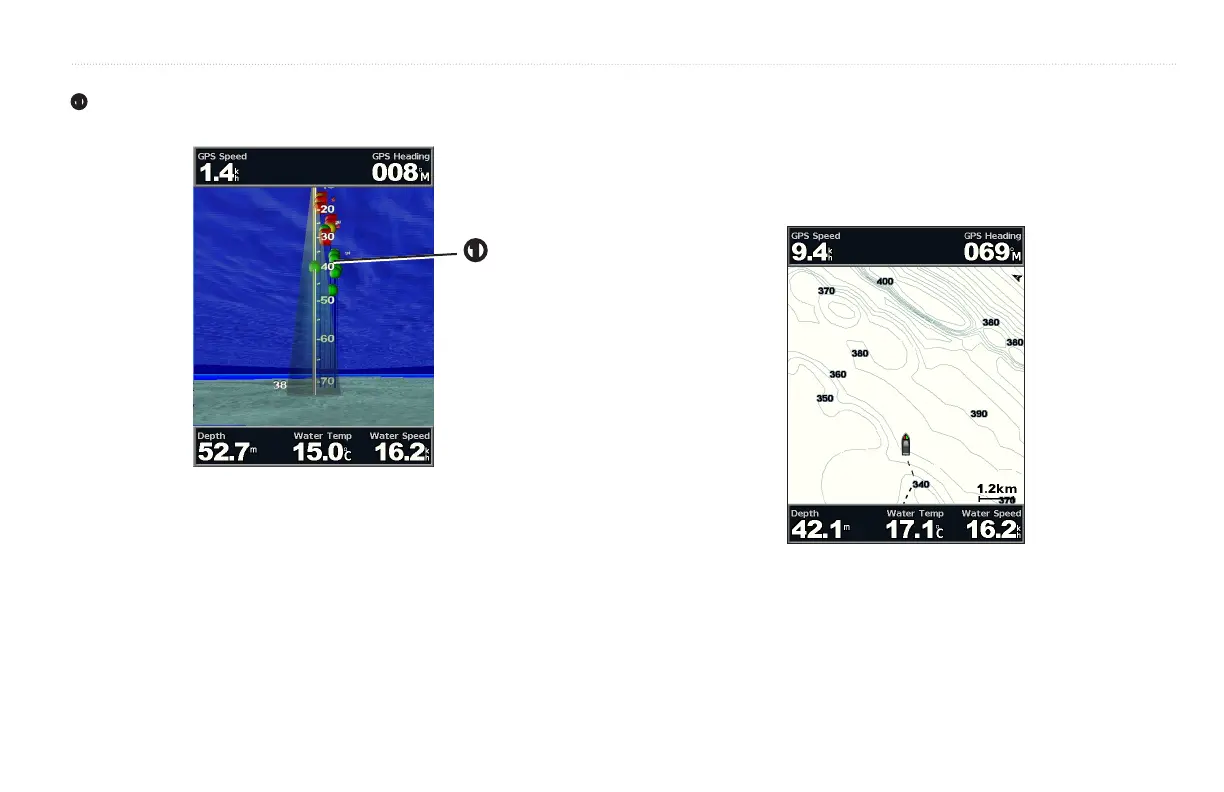
(only available if sonar is present)—displays suspended targets
➊
. Targets are indicated by red, green, and yellow spheres. Red indicates the
largest targets and green indicates the smallest targets.
➊
—turns the track log on or off.
—show or hide cruising, navigation, shing, fuel, or sailing
numbers (page 9).
Use the Fishing chart for a detailed, unobstructed view of the bottom
contours on the chart. The Fishing chart uses detailed bathymetric data on a
preprogrammed BlueChart g2 Vision SD card, and is best for offshore deep-
sea shing.
From the Home screen, select > .
To access additional settings or options from the Fishing chart, press
.
—displays navigational aids, such as beacons, lights, and obstructions.













 To Next Page