Viewing Information
GPSMAP 400/500 Series Owner’s Manual 31
1. From the Home screen, select > > .
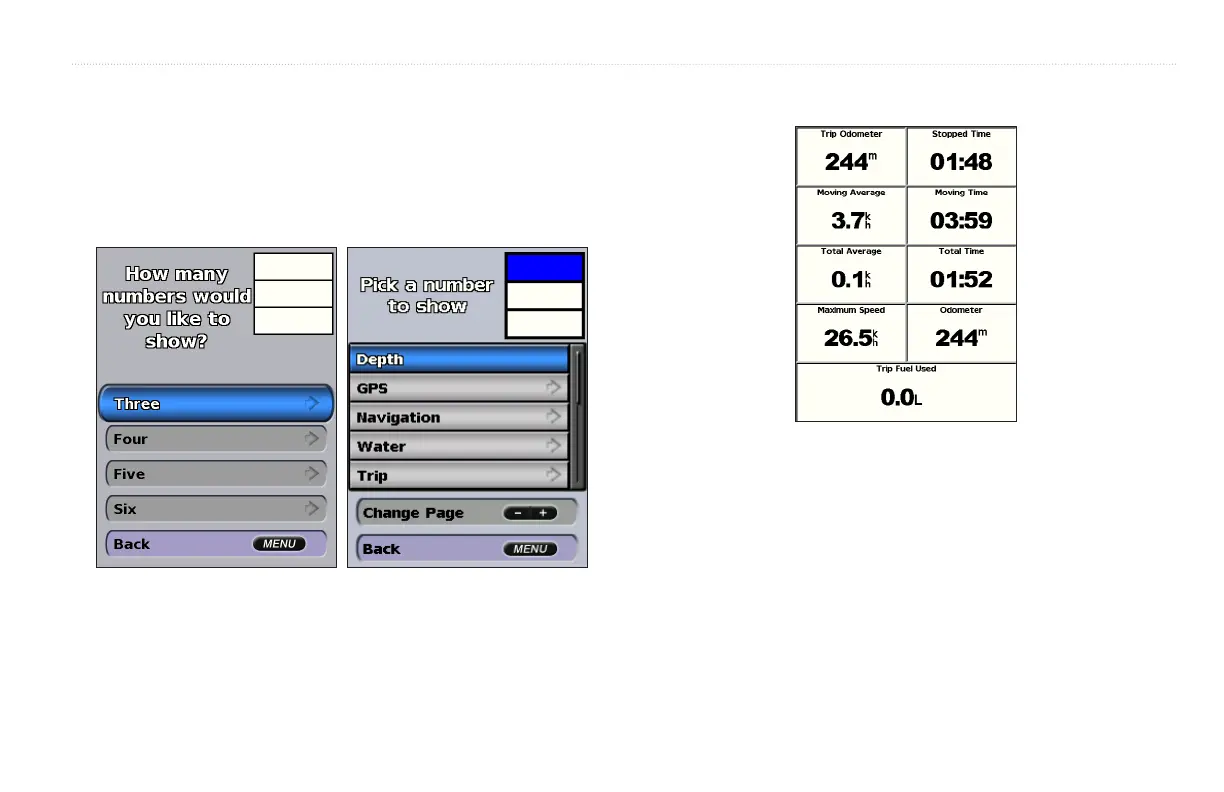
2. Press and select .
3. Select the number of elds to show (3, 4, 5, or 6).
4. Select information to show in each eld. Select a eld to view additional
information that can be shown or select and press the
keys to view additional elds.
From the home screen, select > > .
To reset the trip information, maximum speed, odometer, or all values,
press while viewing the trip information.
You must be connected to a NMEA 2000 network capable of sensing engine
data to view engine gauges. See the GPSMAP 400/500 Series Installation
Instructions for details.
From the Home screen, select > > .













 To Next Page