Creating and Using Routes
The GPSMAP 580/585 allows you to create and store up to 150
routes.
Creating a New Route
Use the Route tab to create a route by selecting waypoints from the
Find page, or by selecting waypoints or map items from the Map
page.
To create a route using the Find Page:
1. On the Main menu, highlight the Route tab.
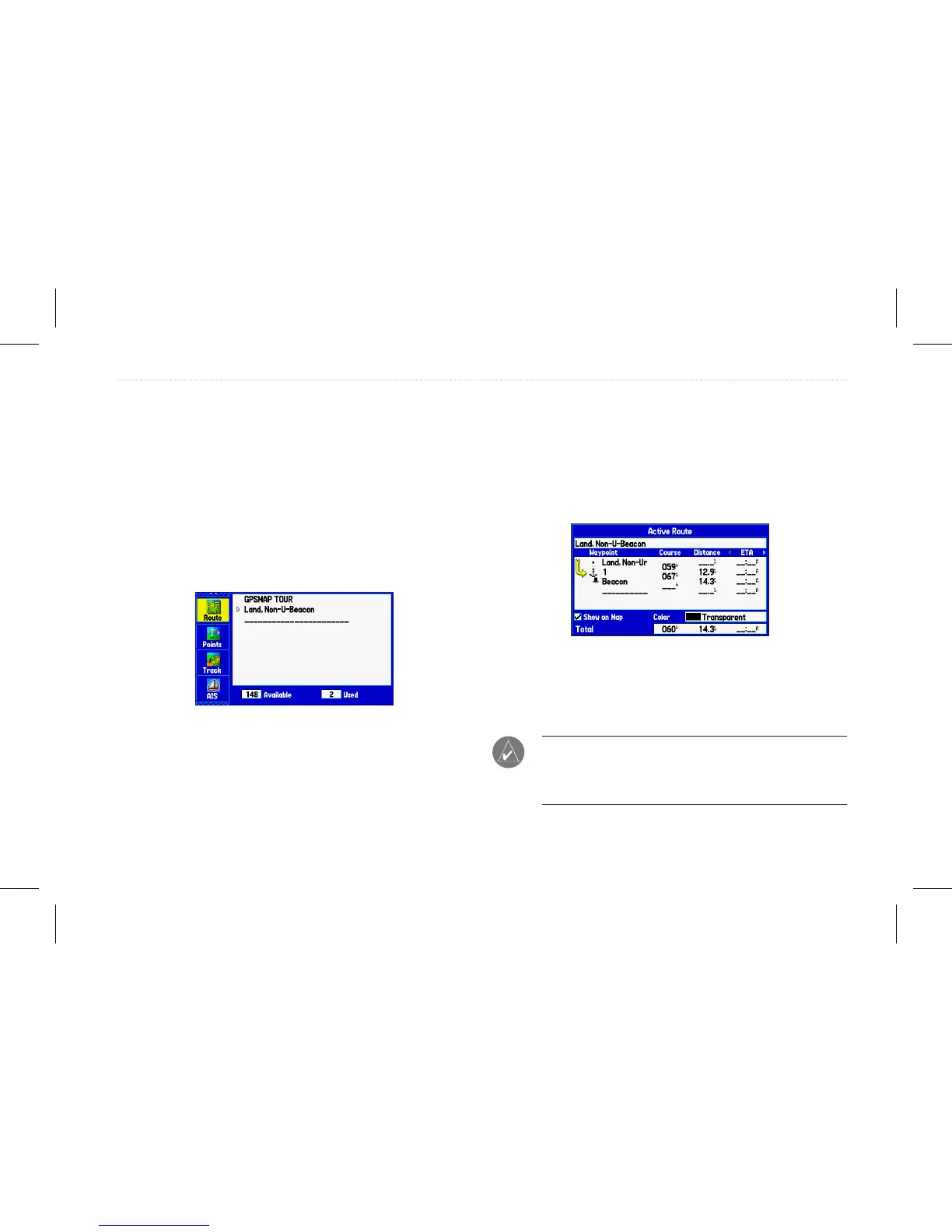
Route Tab with the Route List
2. Press Menu to open the Route options menu.
3. Highlight New Route, and press Enter.
4. Press Enter to nd items to add to the route.
5. Highlight OK, and press Enter to add a point to the route.
6. Repeat steps 4 and 5 to add additional points to the route.
To create a route using the map:
1. On the Main menu, highlight the Route tab.
2. Press Menu to open the Route options menu.
3. Highlight New Route, and press Enter.
Creating a new route on Route Review Page
4. Highlight Edit on Map, and press Enter.
5. Highlight a location on the map, and press Enter.
6. Repeat step 5 to add additional points to the route.
NOTE: If you select an area of the map that is not a feature or
a waypoint, a new waypoint is created for that location. Press
Enter on the New Waypoint Page to save the location as a
waypoint and continue adding points to your route.
GPSMAP 580/585 Owner’s Manual 17
Operation Mode














 To Next Page