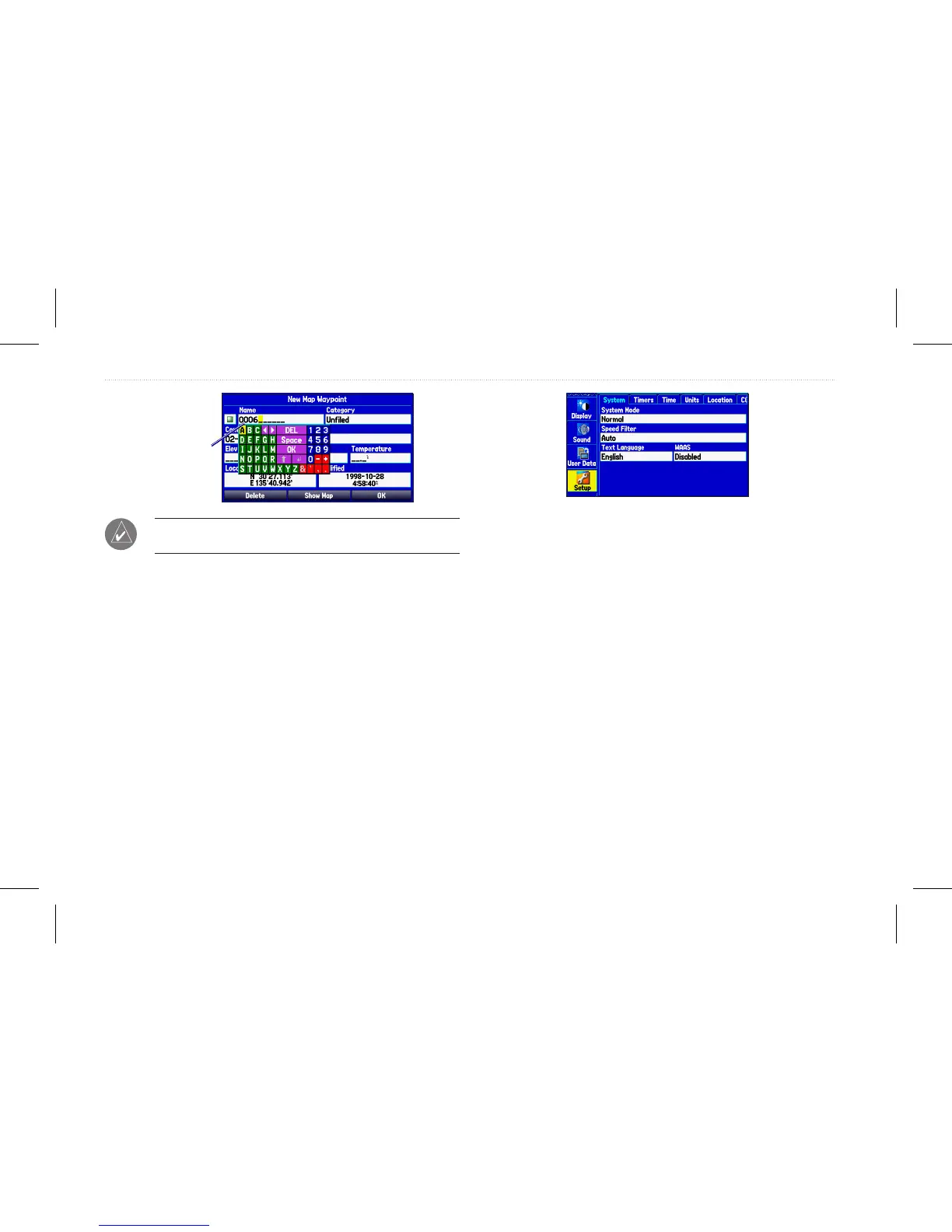
Entering
data
TIP: To clear the entire data eld, highlight the left-most
character eld and press left on the Rocker again.
Not all elds are programmable. When you are on a page with elds
that are not selectable, the highlight skips over them.
Using the Main Menu
Use the Main menu on your GPSMAP 580/585 to access various
functional tabs --- Waypoint, Route, Tracks, Sonar, Setup, etc. Press
the Menu key twice from any page to open the Main menu.
Main menu
To select a tab from the Main Menu:
1. From any page, press Menu twice to open the Main menu.
2. Press up or down on the Rocker to highlight a tab. The
information for the highlighted tab automatically appears
on the right. To highlight a sub tab, press left or right on the
Rocker, and then press up or down to select individual elds.
By default, the Main menu tabs are shown as icons along the left
side of the screen. You can change the Main menu to show tabs in a
text-only format.
To view the Main Menu icons in text-only format:
1. Highlight the Display tab, and press Enter.
2. Select the Main menu eld, and press Enter.
3. Highlight Text Only, and press Enter.
10 GPSMAP 580/585 Owner’s Manual
Getting Started














 To Next Page