Main Pages
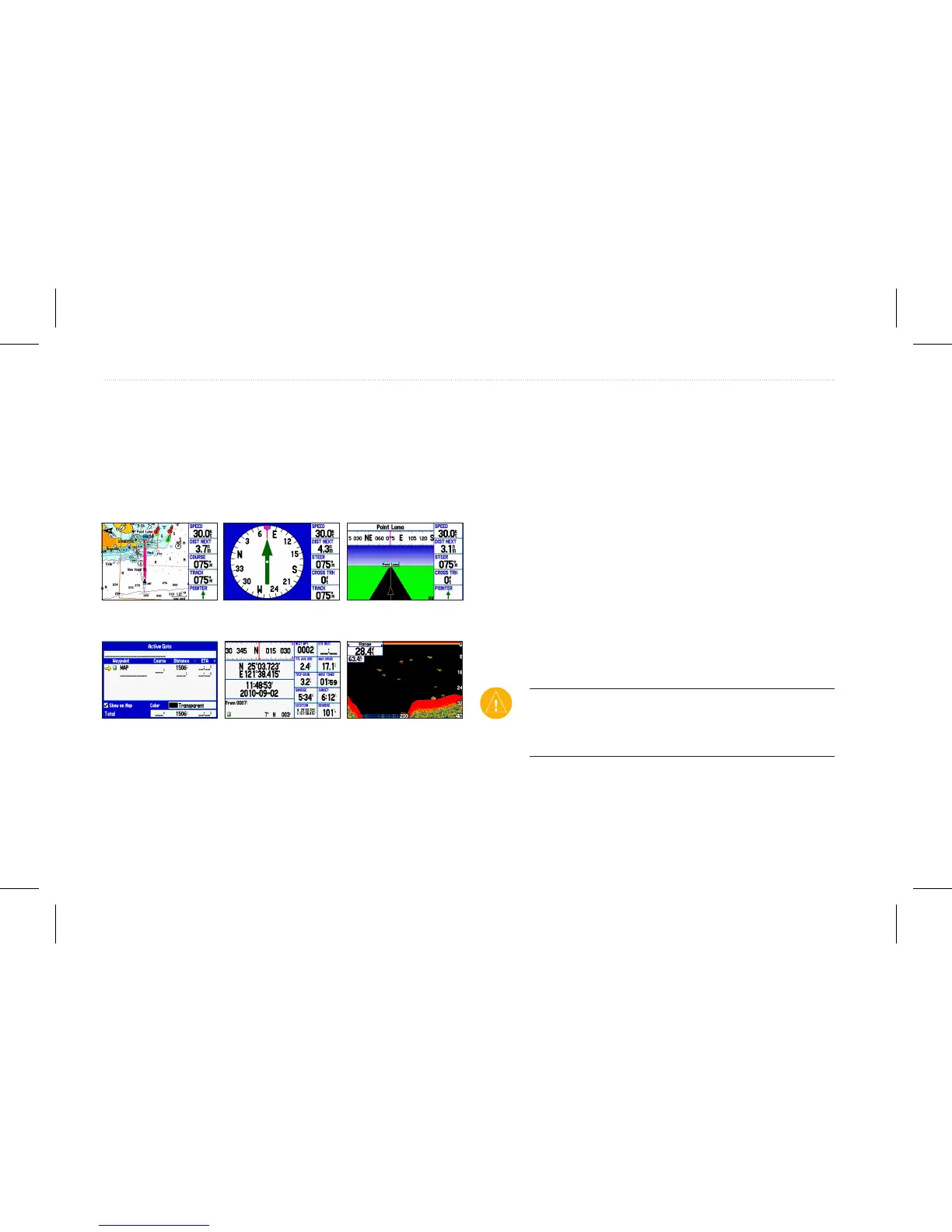
The GPSMAP 580/585 has ve main pages. If you have an optional
transducer connected to the GPSMAP 585, you will be able to see
the Sonar page.
Map page Compass page Navigation page
Position Data page Active Route page
Sonar page
(optional)
Navigating to a Destination
You can navigate to your destination using the Map page. As you
travel, you see a magenta line that always runs from your current
location to the destination or to the next turn on the Map page. You
can use the Map page, Compass page, Navigation page, and Position
Data page to help navigate.
You can navigate to a destination using one of the following
methods:
• Select a point on the map, and press NAV/MOB.
• Press NAV/MOB to start a new route using the Find page or
start a saved route or track.
• Press NAV/MOB and select Go To Point to search for a
particular item and create a route to it.
CAUTION: When using Go To, a direct course and a corrected
course may pass over land or shallow water. Use visual sightings
and steer to avoid land, shallow water, and other dangerous
objects.
12 GPSMAP 580/585 Owner’s Manual
Operation Mode














 To Next Page