Navigate Options Menu
CAUTION: When using Go To, a direct course and a corrected
course may pass over land or shallow water. Use visual sightings
and steer to avoid land, shallow water, and other dangerous
objects.
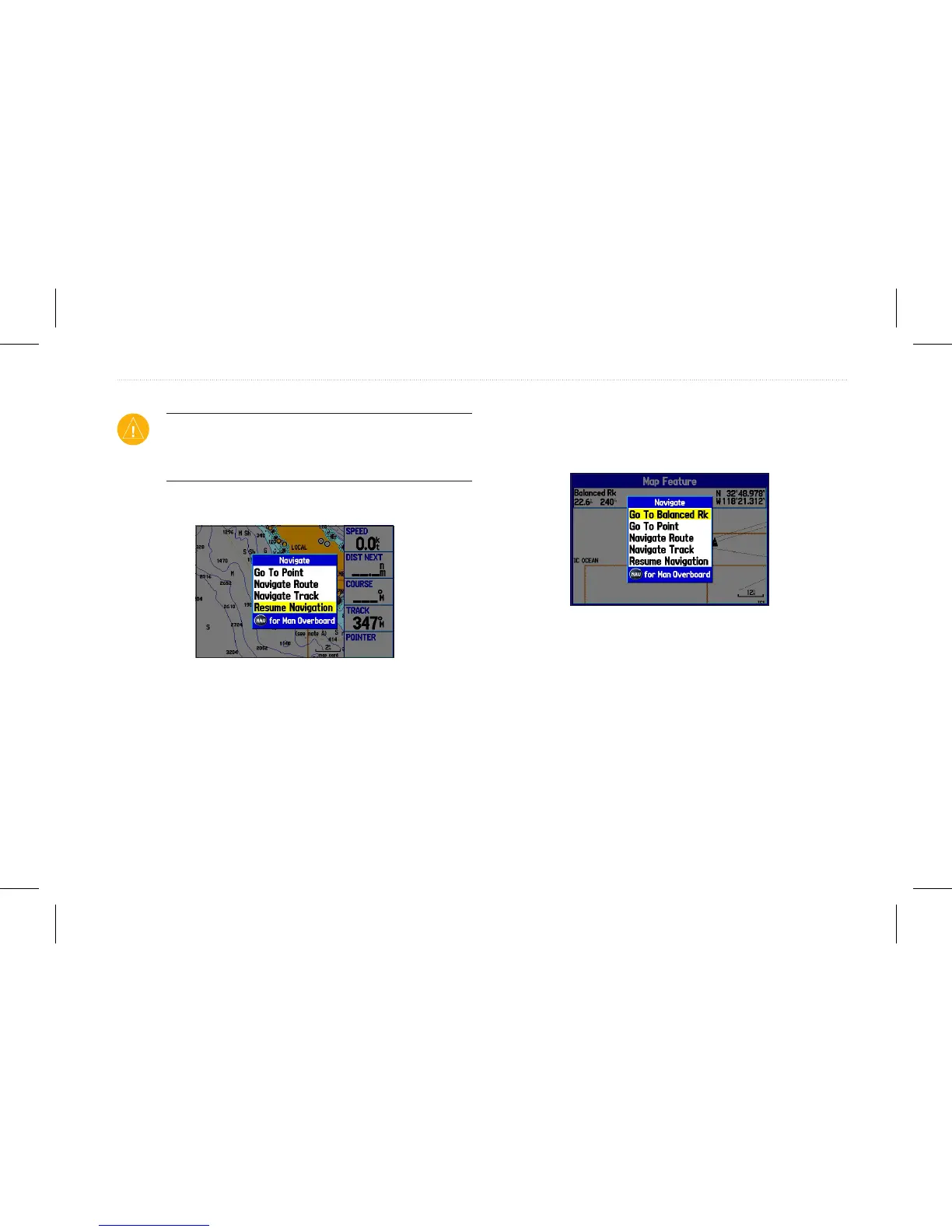
Press NAV/MOB to open the Navigate options menu.
Navigate menu in Operation mode
Go To Point—allows you to select a waypoint or point of interest
from the Find page.
Navigate Route—allows you to select a route to navigate.
Navigate Track (TracBack)—allows you to select a saved track to
navigate.
To navigate a point on the map:
1. On the Map page, highlight a point to navigate to, and press
NAV/MOB.
2. Highlight Go To <point name>, and press Enter.
Navigate menu
3. Navigate to your destination.
To stop navigation:
1. While navigating to a point, press NAV/MOB.
2. Highlight Stop Navigation, and press Enter.
3. Highlight Resume Navigation, and press Enter to resume
navigation.
GPSMAP 580/585 Owner’s Manual 13
Operation Mode














 To Next Page