3. To clear a single alarm, highlight Remove Point, and press
Enter. To clear all proximity waypoints, select Remove All,
and press Enter.
4. Highlight OK, and press Enter.
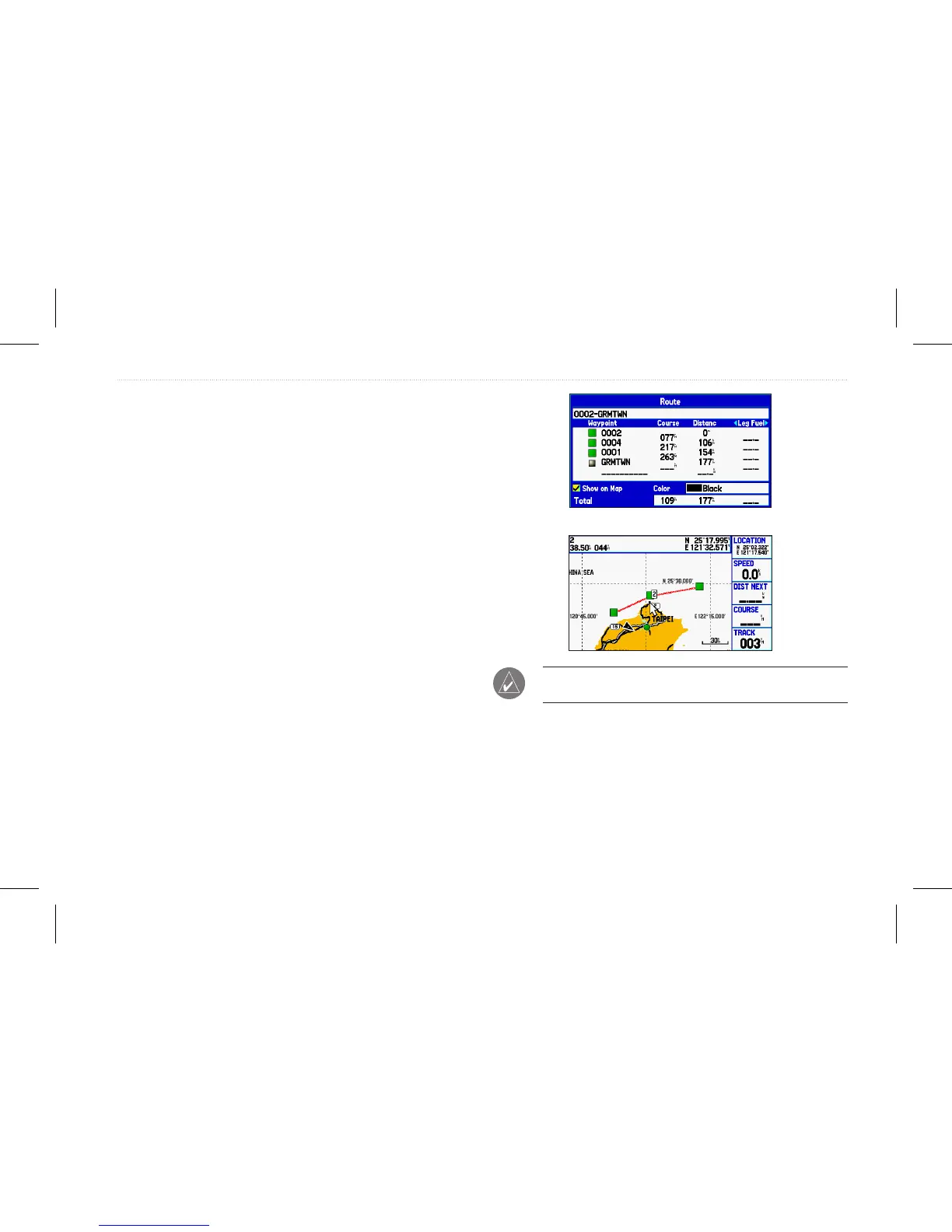
Creating a Route as a Marking line
In some instances, you may want to display a line need on the map
to display a dangerous border or area.
To begin making a marking line on the map:
1. On the Route tab, select the route to act as a marking line to
display on the map.
2. Select Show on Map.
3. Select a color.
To hide a marking line on the map:
1. To hide the marking line, deselect the Show on Map
checkbox on the Route edit page.
NOTE: The maximum number of routes (marking line) that can
be displayed is 150 lines.
GPSMAP 580/585 Owner’s Manual 31
Operation Mode














 To Next Page