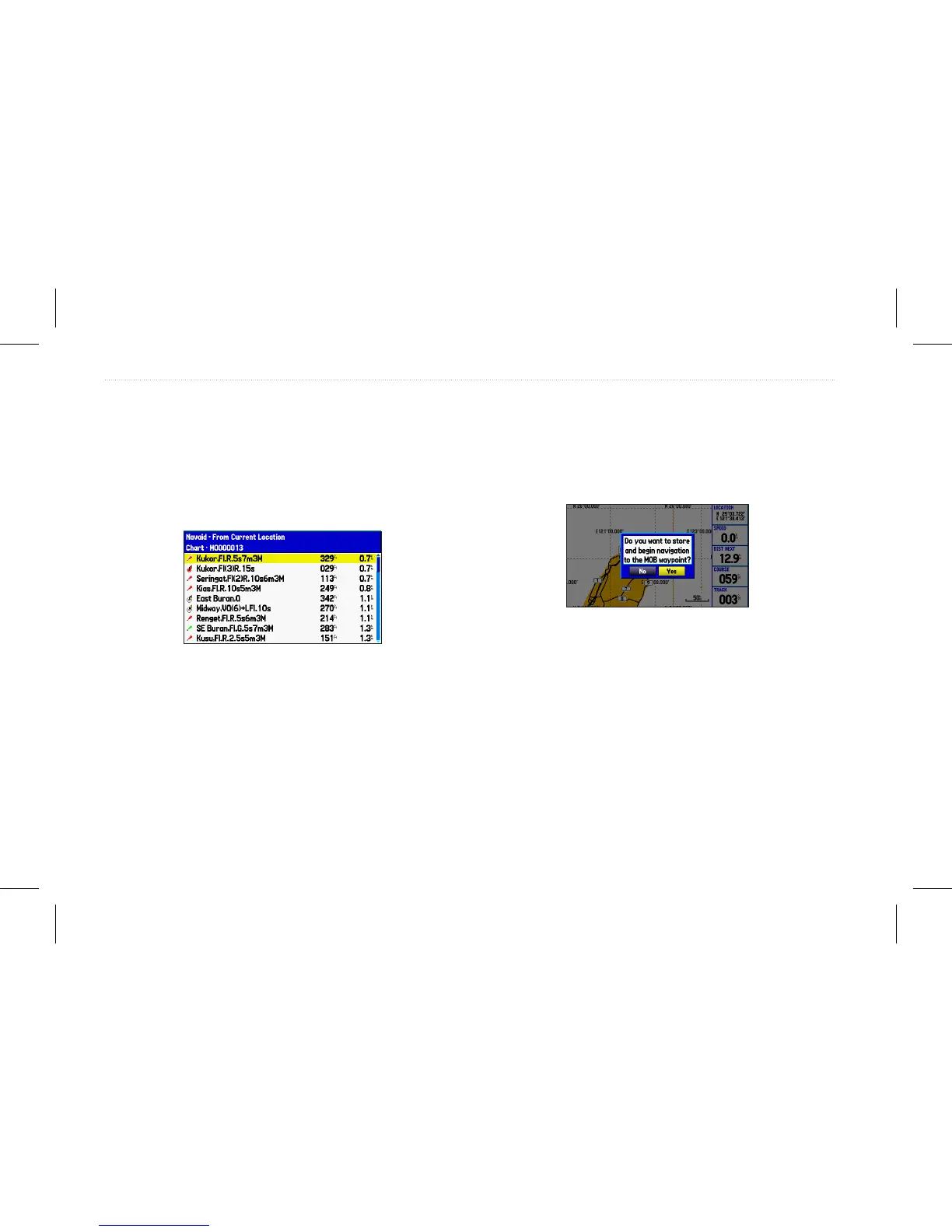
To search for an item and route to it:
1. Press NAV/MOB and select Go To Point to open the Find
page.
2. Highlight a category, and press Enter.
3. Press Enter, and then press the Rocker up or down to enter
letters contained in the item name.
4. Press Enter when nished.
5. Highlight the item from the list, and press Enter.
6. Press Enter when the Go To button is highlighted.
Man Overboard
Use the MOB function to simultaneously mark your current location
and create a direct route back to that location.
To navigate to a MOB location:
1. Press NAV/MOB twice.
2. Press Enter to conrm and begin navigating to the MOB
location.
When a MOB is activated, a MOB waypoint with an international
MOB symbol is created, and the unit begins actively navigating to
that point. Use any of the Navigation pages to guide you back to the
MOB point. The MOB waypoint is stored in the waypoint list and
can be deleted like any other waypoint.
14 GPSMAP 580/585 Owner’s Manual
Operation Mode














 To Next Page