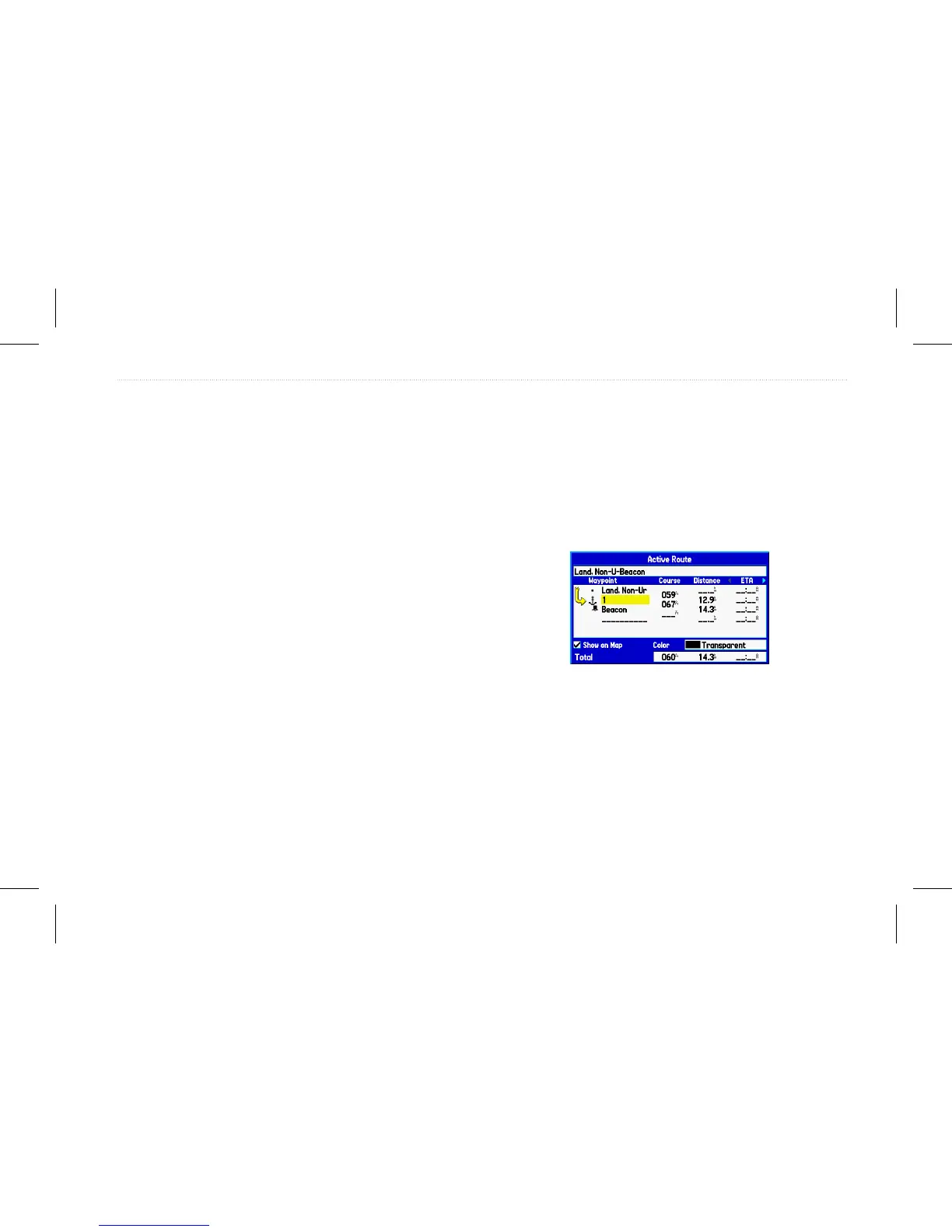
To review individual route points:
1. On the Main menu, highlight the Route tab.
2. Highlight the name of the route, and press Enter.
3. Highlight a point, and press Enter.
4. Choose Next, Show Map, or Save, and press Enter.
If the route point is a user waypoint, you can edit any of the
waypoint properties on the Waypoint Page (see the “Creating and
Using Waypoints” section beginning on page 21 for details).
When you return to the Route Review page, the next point in the
route is automatically highlighted. You can review each point on the
route by pressing Enter.
To add points to the route:
1. On the Main menu, highlight the Route tab.
2. Highlight a route, and press Enter.
3. Highlight the spot in the route where you want to add the new
point. (The new point is added before the highlighted route
point).
4. Press Menu.
5. Highlight Insert Waypoint, and press Enter.
Route Review page
6. Highlight OK, and press Enter to add the new point to the
route.
GPSMAP 580/585 Owner’s Manual 19
Operation Mode














 To Next Page