Changing the Page Layout and Data Fields
You can adjust how the following pages appear: Map, Compass,
Navigation, Position Data, Trip Computer, and optional Sonar
Pages. You can also adjust the data elds on each page.
To set up the page layout:
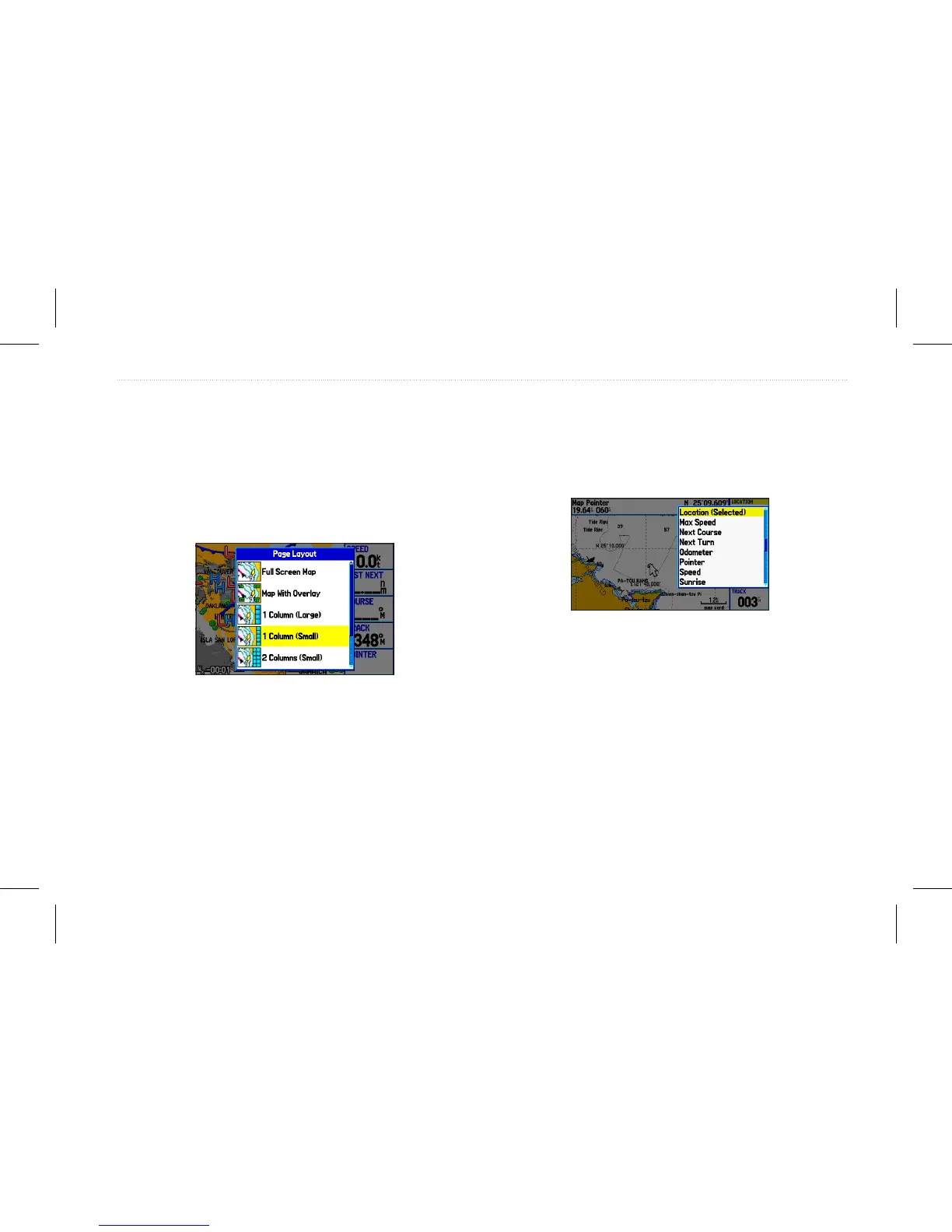
1. Press Menu to open the options menu.
2. Highlight Set Up Page Layout, and press Enter.
Selecting the page layout.
3. Select a page layout option, and press Enter.
To change a data eld:
1. Press Menu to open the options menu.
2. Highlight Change Data Fields, and press Enter.
3. Highlight the data eld to change, and press Enter.
4. Highlight the type of data you want to show, and press Enter.
Changing a data eld.
GPSMAP 580/585 Owner’s Manual 37
Operation Mode Pages














 To Next Page