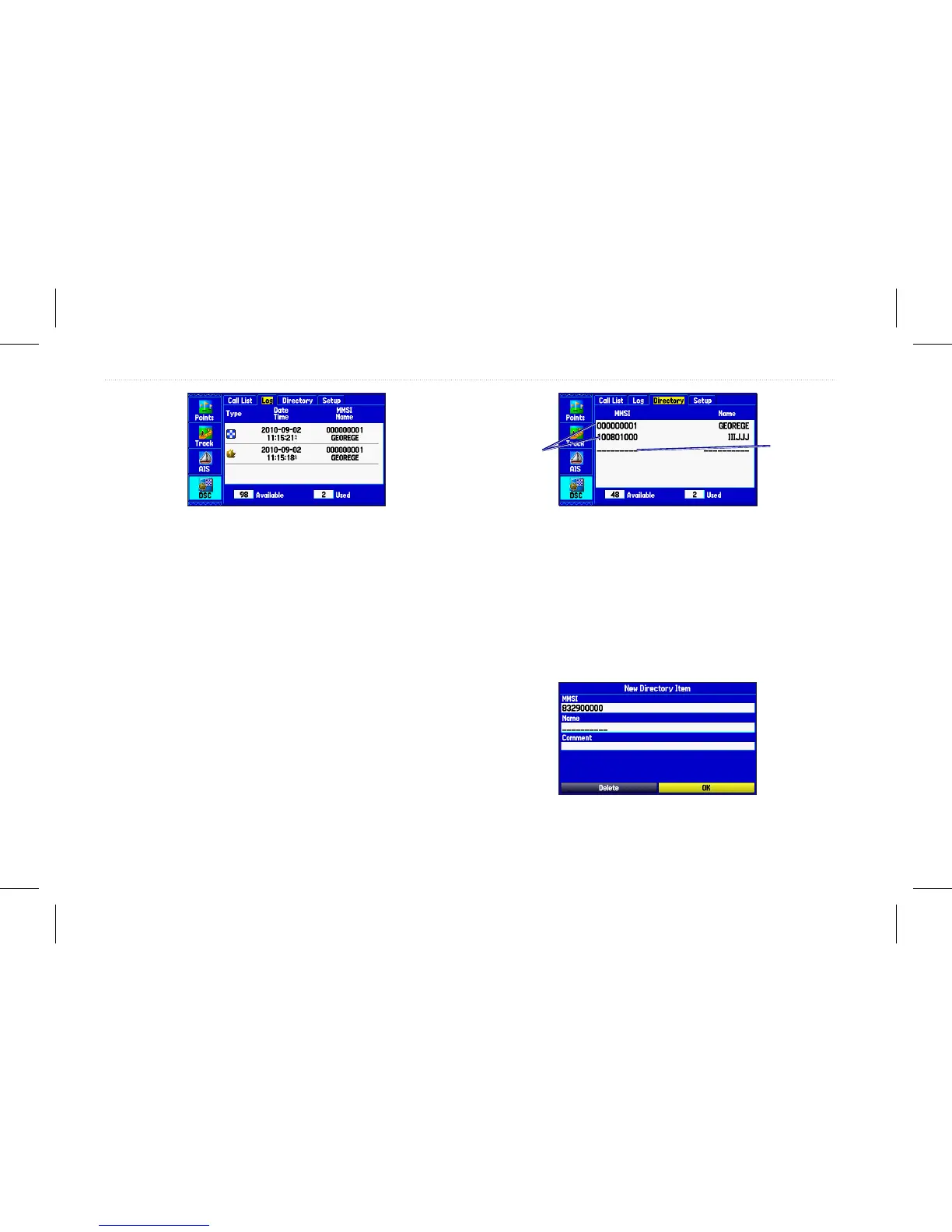
DSC Log
Receiving a Position Report or Distress Call
After you receive a Position Report or a Distress Call, you can
quickly navigate to the location.
1. Highlight a call from the Call List or Log.
2. Press Direct To. The top selection in the Navigate menu is
highlighted.
3. Press Enter to go to the location.
DSC Directory
The DSC Directory is like a phone book and can hold up to 50
entries.
DSC Directory List
DSC directory
entries. Press
Enter to open
the Entry
Review page.
Blank entry.
Press
Enter
to add a DSC
directory entry.
To add a new directory entry:
1. On the Main menu, open the DSC Directory.
2. Highlight the rst blank space in the directory list, and press
Enter. OR Press Menu, highlight New Item, and press
Enter.
3. Enter the MMSI number, the name, and any comments.
4. When nished, highlight OK, and press Enter.
New Directory Item page
54 GPSMAP 580/585 Owner’s Manual
Main Menu














 To Next Page