24
GPSmap 76C
Waypoint Information
Page Options include
“Average Location”
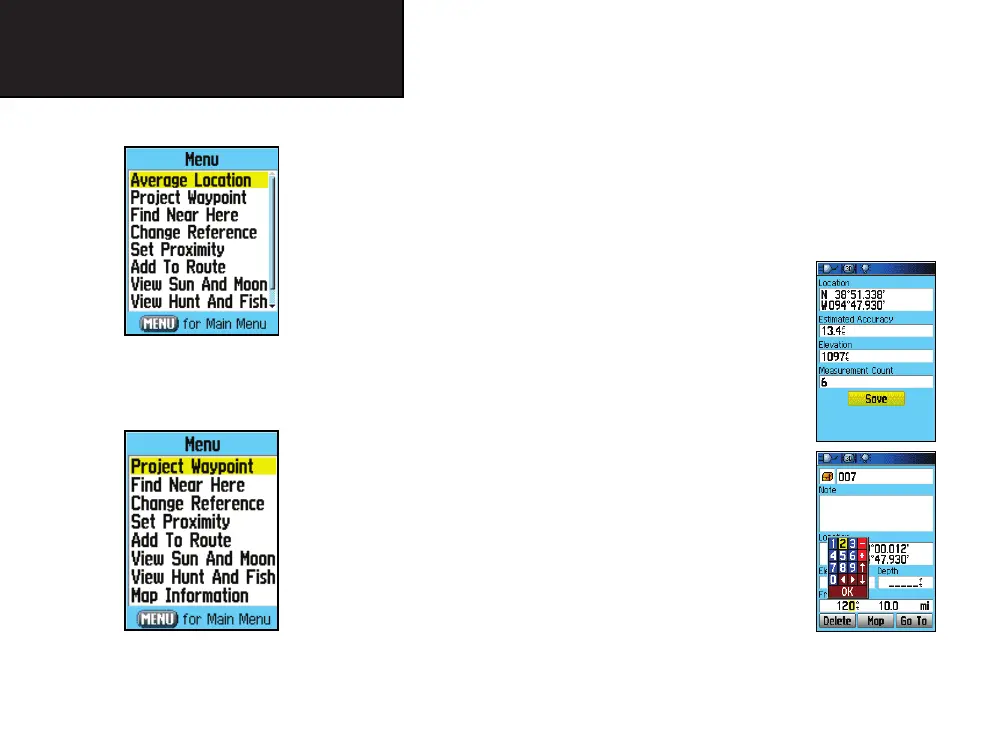
The Find Information Page Options Menu offers eight options for
using a Find Item as a tool for navigation.
To use the Find Item Information Page Options Menu:
1. With an Information page displayed for a Find item, press the
MENU key to display the Options Menu.
2. Use the ROCKER key to highlight the desired option and press
ENTER activate:
• Average Location - Used with waypoints only,
it samples a waypoint location over time and
averages the result for a more accurate position
reference.
(Refer to page 19 for detailed information on
Location Averaging)
• Project Waypoint - Create a new waypoint by
referencing another location by entering a
bearing and distance from the referenced loca-
tion (present position or Find Item location)
(Refer to page 20 for detailed instructions.)
• Find Near Here - Returns you to the Find
Menu where you can search for map items near the item defined
on the Information Page.
Find Map Database Item
Information Page Options
GPS Navigation
Using Find
GPSmap 76C Owner's Guide copy.indd 24 3/25/2004, 11:29:54 AM













 To Next Page