43
Getting Started
Reference
Proximity
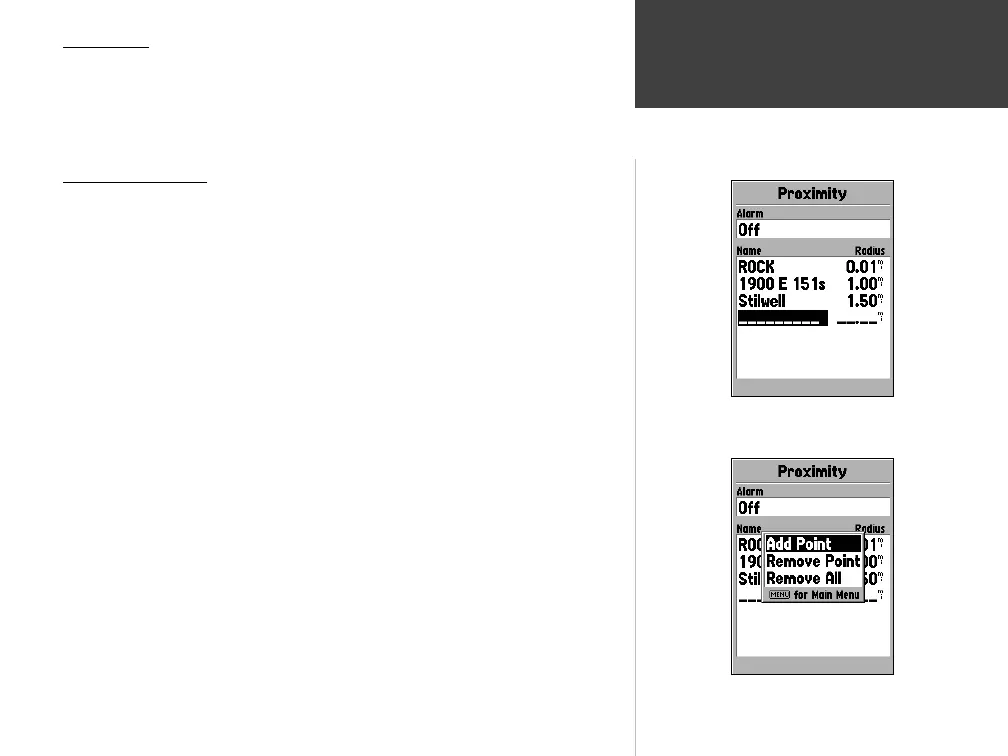
Proximity waypoints can be used to alert you when you are approaching a
predetermined area. When you place a waypoint in the Proximity List, you will
enter a ‘Radius’ that will determine when a Proximity Alarm will be displayed.
You can turn the Proximity Alarm On or Off for your convenience.
Proximity Options
To view the available options with the Proximity Page displayed press MENU.
Add Waypoint —
When ‘Add Waypoint’ is selected, the Points Menu is
displayed (see page 40 for more information on the Points Menu). Select a
point from the menu to insert it into the Proximity List. With the ‘Radius’ fi eld
highlighted, press ENTER. Enter a radius for an alert to be displayed. You
can also add a waypoint by highlighting the dashed entry line and pressing
ENTER.
Remove Point —
Removes the highlighted waypoint from the Proximity List.
Remove All —
Removes all waypoints from the Proximity List.
Main Menu — Proximity
Proximity Page
Proximity Options
190-00249-00_0C.indd 43 5/7/2003, 9:54:54 AM













 To Next Page