48
Reference
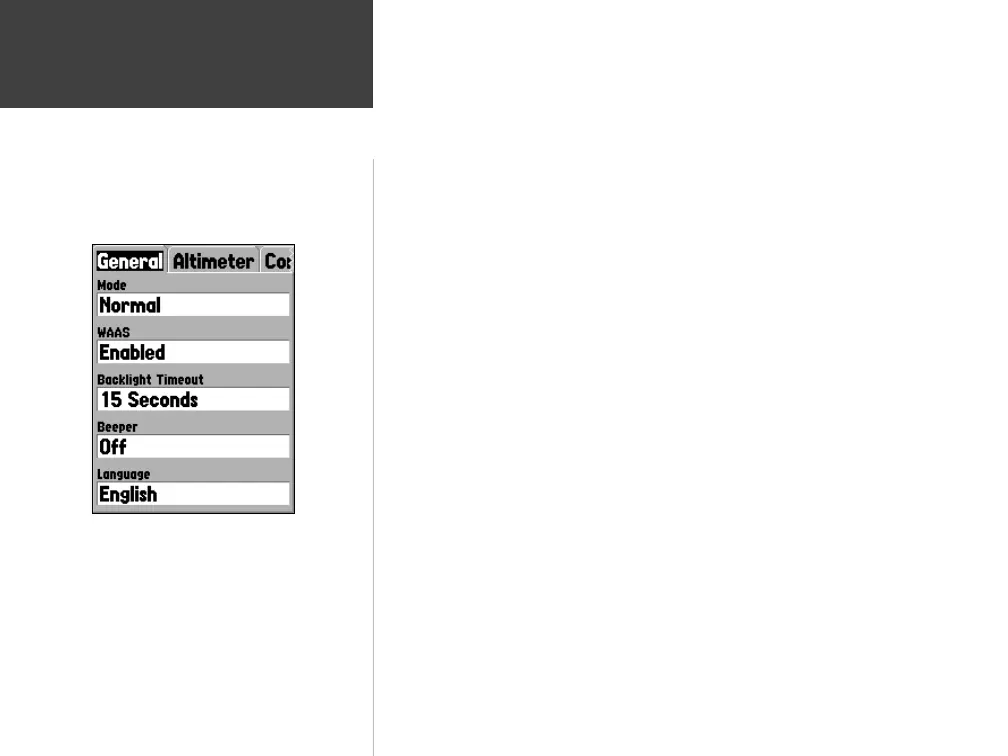
‘ WAAS’ —
WAAS is an acronym for “Wide Area Augmentation System”. You
can use the WAAS capability of the GPSMAP 76S to increase the accuracy
to approximately 3 meters. When enabled the GPS receiver searches for a
WAAS satellite, then receives data that will help correct differentials in the
GPS signal. When the unit is using WAAS data, a “D” will be displayed in the
Satellite Strength Indicators on the GPS Information Page, and the receiver
status will indicate a 2D or 3D Differential Location.
Currently the WAAS system is not fully operational. There are two WAAS
satellites in place, one over the Pacifi c Ocean and Atlantic Ocean. You must
have a clear unobstructed view of the sky for the GPSMAP 76S to be able to
receive a WAAS signal, even then, at times it may not be possible to receive a
WAAS signal. WASS satellites are not received in Battery Saver Mode.
For more information on the WAAS system visit the Federal Aviation Admin-
istration website at (gps.faa.gov).
‘ Backlight Timeout’ —
Sets the time that the Backlight will remain on once
activated. The options are ‘Stays On’, ‘15 Seconds’, ‘30 Seconds’, ‘1 Minute’
and ‘2 Minutes’.
‘ Beeper’ —
This setting determines when the Beeper is used. The options are
‘Key and Message’, ‘Message Only’, and ‘Off’.
‘ Language’ —
This setting will allow the GPSMAP 76S to display in fourteen
different languages.
Setup Menu — General Tab
Setup Menu — ‘General’ Tab
190-00249-00_0C.indd 48 5/7/2003, 9:54:56 AM













 To Next Page