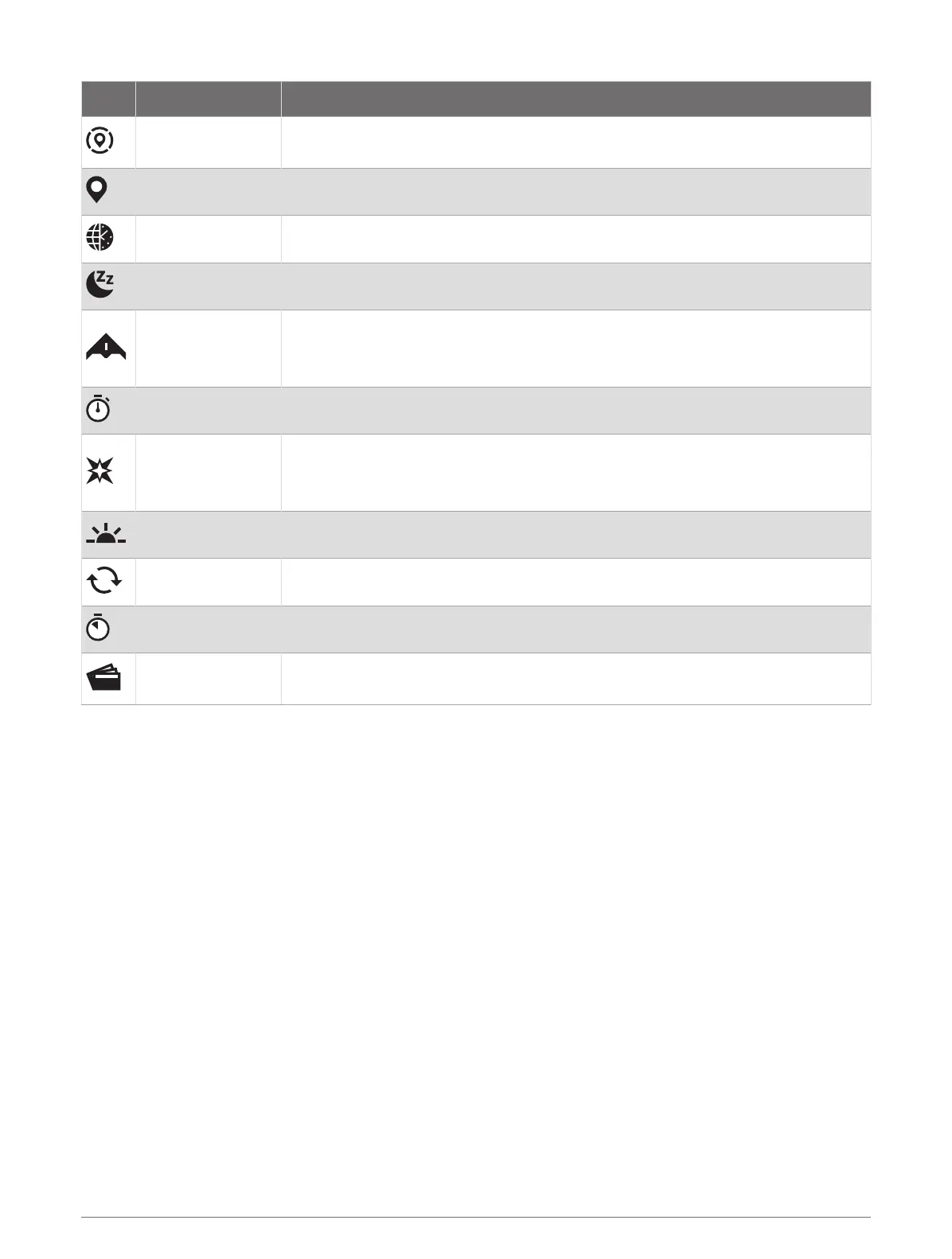
Icon Name Description
Reference Point
Select to set a reference point for navigation (Setting a Reference Point,
page84).
Save Location Select to save your current location to navigate back to it later.
Set Time with GPS Select to sync your watch with the time on your phone or using satellites.
Sleep Mode Select to enable or disable Sleep Mode (Customizing Sleep Mode, page91).
Stealth Mode
Select to enable or disable stealth mode to turn off wireless communications and
prevent the storage and sharing of your GPS position.
NOTE: This feature is not available for all product models.
Stopwatch Select to start the stopwatch (Using the Stopwatch, page4).
Strobe
Select to turn on the LED flashlight strobe. You can create a custom strobe mode
(Editing the Custom Flashlight Strobe, page61).
NOTE: This feature is not available for all product models.
Sunrise & Sunset Select to view sunrise, sunset, and twilight times.
Sync Select to sync your watch with your paired phone.
Timers Select to set a countdown timer (Starting the Countdown Timer, page3).
Wallet
Select to open your GarminPay wallet and pay for purchases with your watch
(GarminPay, page61).
Customizing the Controls Menu
You can add, remove, and change the order of the shortcut menu options in the controls menu (Controls,
page58).
1 Hold MENU.
2 Select Appearance > Controls.
3 Select a shortcut to customize.
4 Select an option:
• Select Reorder to change the location of the shortcut in the controls menu.
• Select Remove to remove the shortcut from the controls menu.
5 If necessary, select Add New to add an additional shortcut to the controls menu.
60 Appearance













 To Next Page