nüvi 700 Series Owner’s Manual 47
aPPendix
SaversGuide
®
With the SaversGuide preprogrammed
SD data card and membership card,
your nüvi is a digital coupon book. To
purchase an accessory, go to http://shop.
garmin.com or contact your Garmin
dealer.
To use the Travel Guide, insert the SD
card into your nüvi. Touch Where to >
Extras > SaversGuide.
About Google Earth
™
Go to http://earth.google.com to
download the Google Earth application.
With Google Earth installed on your
computer, you can view waypoints,
tracks, and routes saved in MapSource
®
.
From the View menu, select View in
Google Earth.
About GPS Satellite
Signals
Your nüvi must acquire GPS (Global
Positioning System) satellite signals to
navigate. If you are indoors, near tall
buildings or trees, or in a parking garage,
your nüvi cannot acquire satellites.
Go outside to an area free from tall
obstructions to use your nüvi.
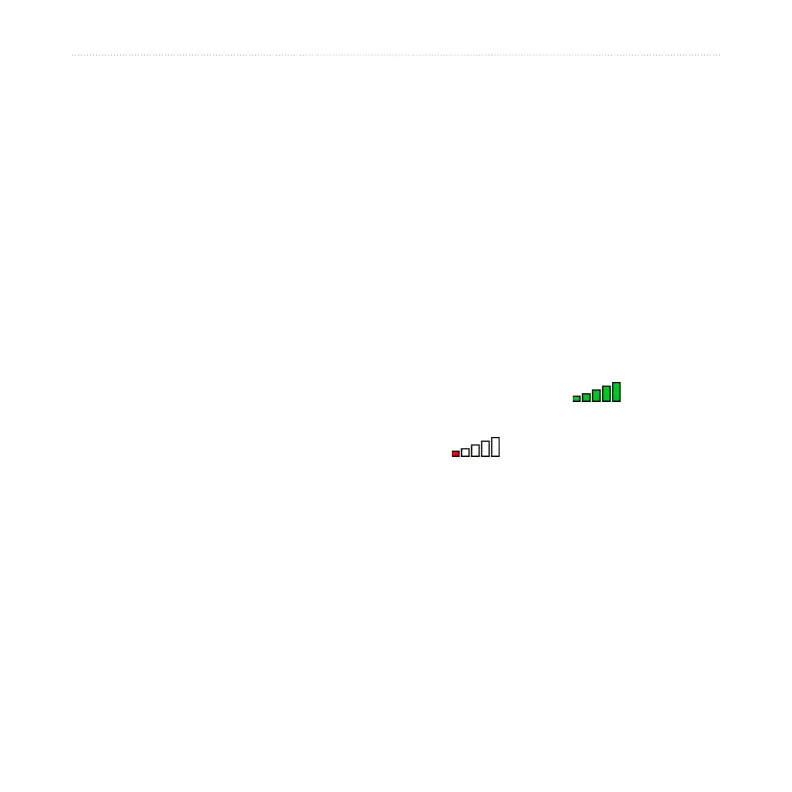
When your nüvi. has acquired satellite
signals, the signal strength bars on the
Menu page are green . When it
loses satellite signals, the bars turn red or
clear .
For more information about GPS, go to
www.garmin.com/aboutGPS.



 To Next Page