nüvi 700 Series Owner’s Manual 1
GettinG Started
GeTTinG sTarTed
What’s in the Box?
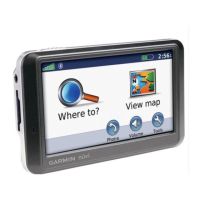
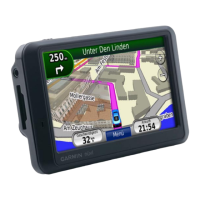
nüvi GPS device and vehicle suction cup mount.
Vehicle power cable to provide external power, or an FM TMC trafc receiver to
provide external power and trafc information. See the table to the right.
USB cable to connect the nüvi to your computer. Your nüvi connects to your
computer as a Mass Storage Device. See pages 24–25.
Dashboard disk to mount the suction cup mount on your dashboard. See page 43.
Carrying case to protect your nüvi from scratches and accidental screen taps (770
and 760 only).
WARNING: See the Important Safety and Product Information guide in the product
box for product warnings and other important information.
Ways to Charge Your nüvi
Use the vehicle power cable.
Use the USB cable.
Use an optional AC adapter.
•
•
•



 To Next Page