Getting started
WARNING
See the Important safety and product information guide in the product box for product warnings and other
important information.
1 Update the maps and software on your device (Updating Maps and Software Using a Wi‑Fi Network,
page 55).
2 Set up a Garmin Explore
™
account (Garmin Explore, page 33).
3 Mount the device in your vehicle and connect it to power (Mounting and Powering the Device in Your Vehicle,
page 3).
4 Set up a vehicle profile (Vehicle Profiles, page 9).
5 Navigate to your destination (Starting a route, page 11).
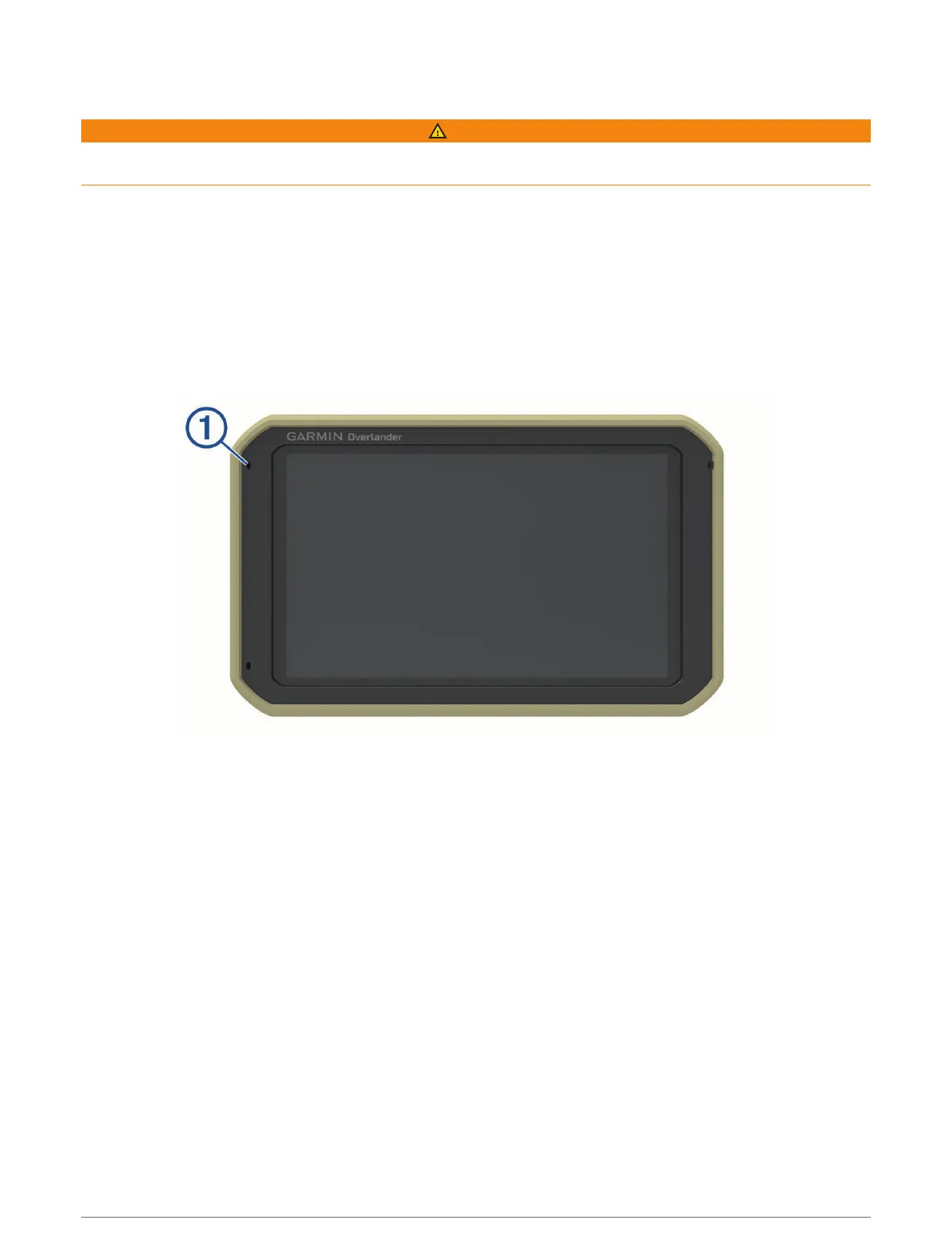
Device Overview
Getting started 1



 To Next Page