CHAPTER 1: About this reference www.gateway.com
2
About this guide
This guide includes information and maintenance instructions that are specific
to your model of Gateway notebook. For all other notebook information, see
your online User Guide.
Accessing the online User Guide
In addition to this guide, the online User Guide has been included on your hard
drive. The User Guide is an in-depth, easy-to-read manual that includes
information on the following topics:
■ Help and technical support
■ Using and customizing Windows and other software
■ Controlling audio and video settings
■ Using the Internet
■ Protecting your files
■ Playing and recording media
■ Networking
■ Maintenance and troubleshooting
To access the online User Guide:
■ Click Start, All Programs, then click Gateway Documentation.
Gateway contact information
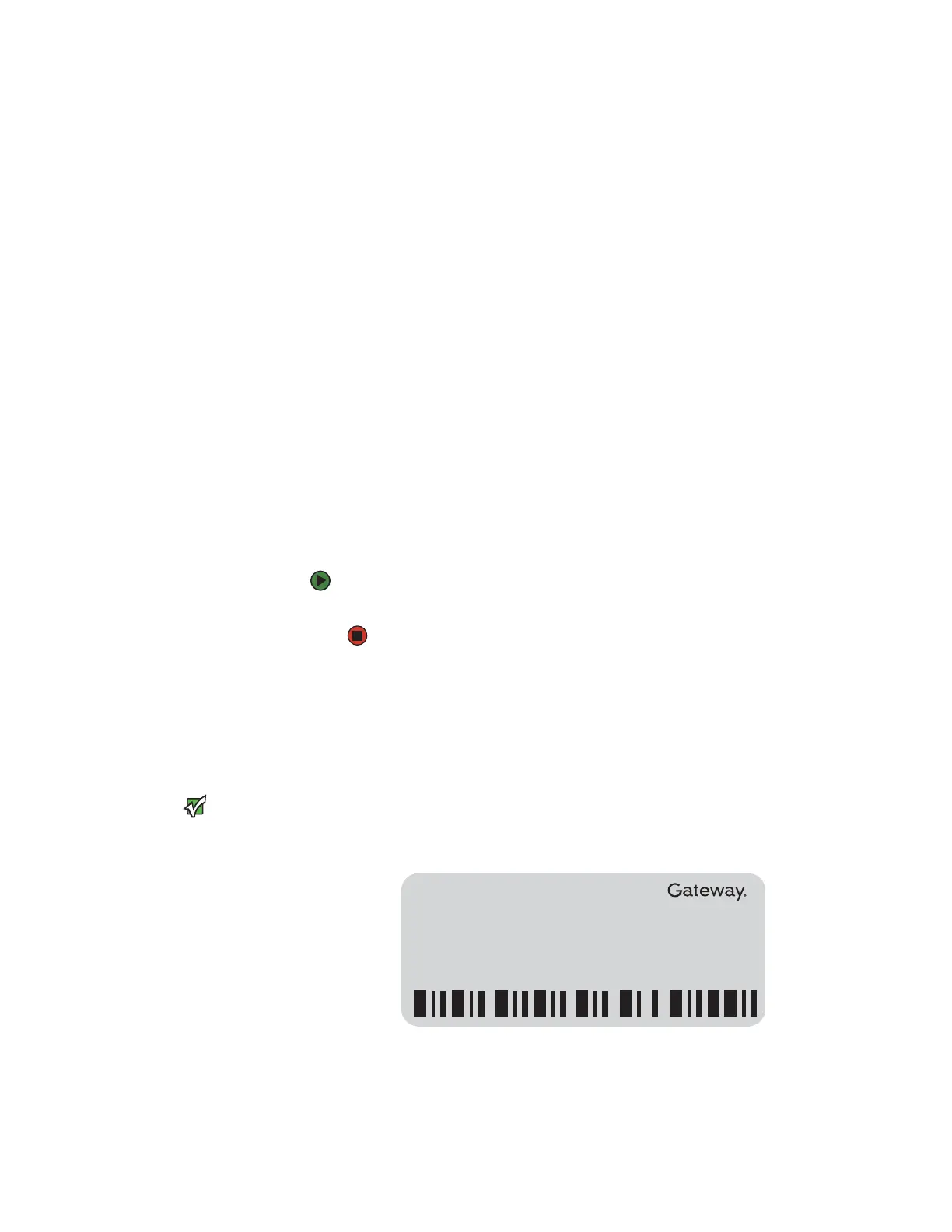
Gateway model and serial number
Important
The label shown in this section is for
informational purposes only. Label
information varies by model, features
ordered, and location.
The label on the bottom of your notebook contains information that identifies
your notebook model and its features. Gateway Customer Care will need this
information if you call for assistance.
Online Support:
Tech Support Phone:
Hours:
Model:
S/No:













 To Next Page