39
232001240G(08)
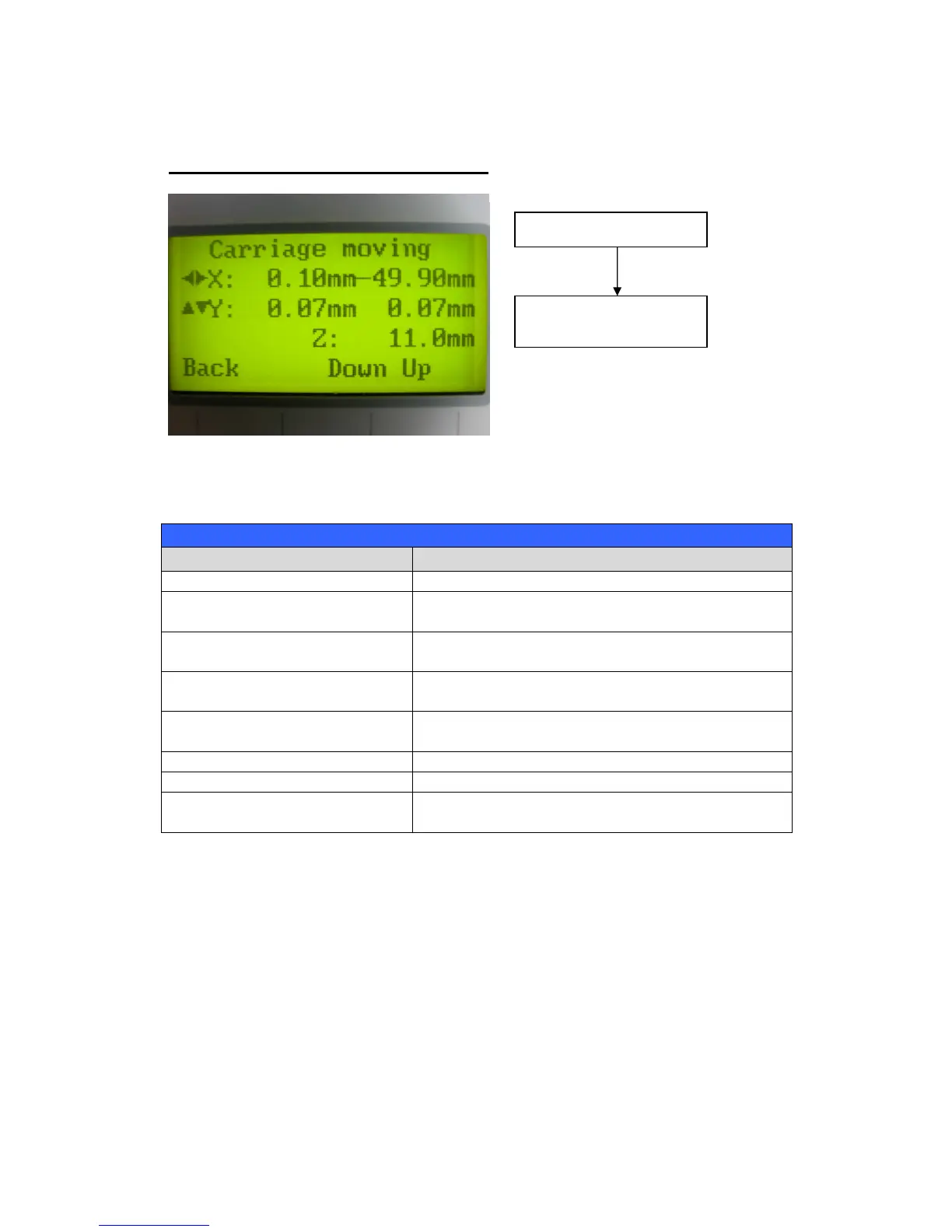
Carriage / Work Table Adjustment Page
The Carriage / Work Table Adjustment Page allow you to manually increase and decrease the
height of the work table (Z-axis). In addition, you can manually adjust the Y-axis and X-axis of the
laser carriage.
Carriage / Work Table Adjustment Page
F1 (Back) Back to previous page
F3 (Down)
Manually decrease the height of the work table
(Z-axis)
F4 (Up)
Manually increase the height of the work table
(Z-axis)
Manually adjust the Y-axis position of the laser
carriage
Directional
Manually adjust the X-axis position of the laser
carriage
Start / Stop Back to Main Work Page
Auto Focus Initiate the auto focus function
Manual Focus Buttons
Manually adjust the height of the work table (Z-
axis)
Main Work Page
Carriage / Work Table
Adjustment Page



 To Next Page