- 32 -
232001240G(08)
Link/DLink Page
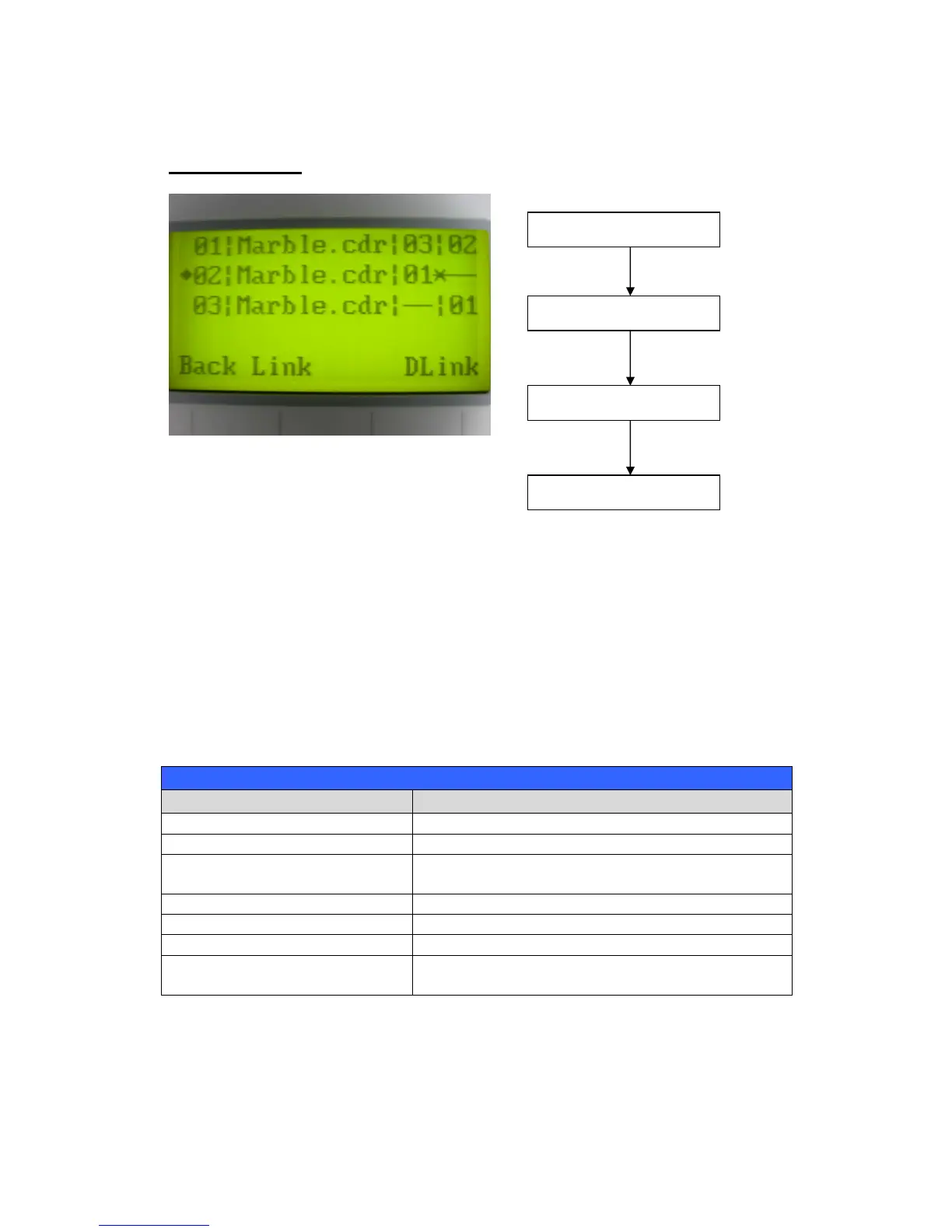
The Link/DLink Page allows you to set, arrange, and remove loaded jobs to and from a job queue
for processing. Use the directional keys to cycle through your loaded jobs, then simply press the
<F2 (Link)> key to add a file to the job queue. The job queue will be set in a sequential order
based on the order you link the files. To remove a job from your job queue, press the <F4
(DLink)> key.
The first column field (before the file name) displays the job number. The sequence for your job
queue is displayed in the two columns to the right of your file names. The first column to the right
of your job file name displays the job number of the previous file in the job queue sequence. The
second column after the file name displays that job’s next file in the job queue sequence. First
and last jobs in the job sequence you set will have a (---) in the first and second columns
respectively. So according to the image above, the job queue sequence has been set to be
processed in this order: 03:Marble.cdr 01:Marble.cdr 02:Marble.cdr.
Scroll through your loaded jobs
Start / Stop Back to Main Work Page
Auto Focus Initiate the auto focus function



 To Next Page