- 31 -
232001240G(08)
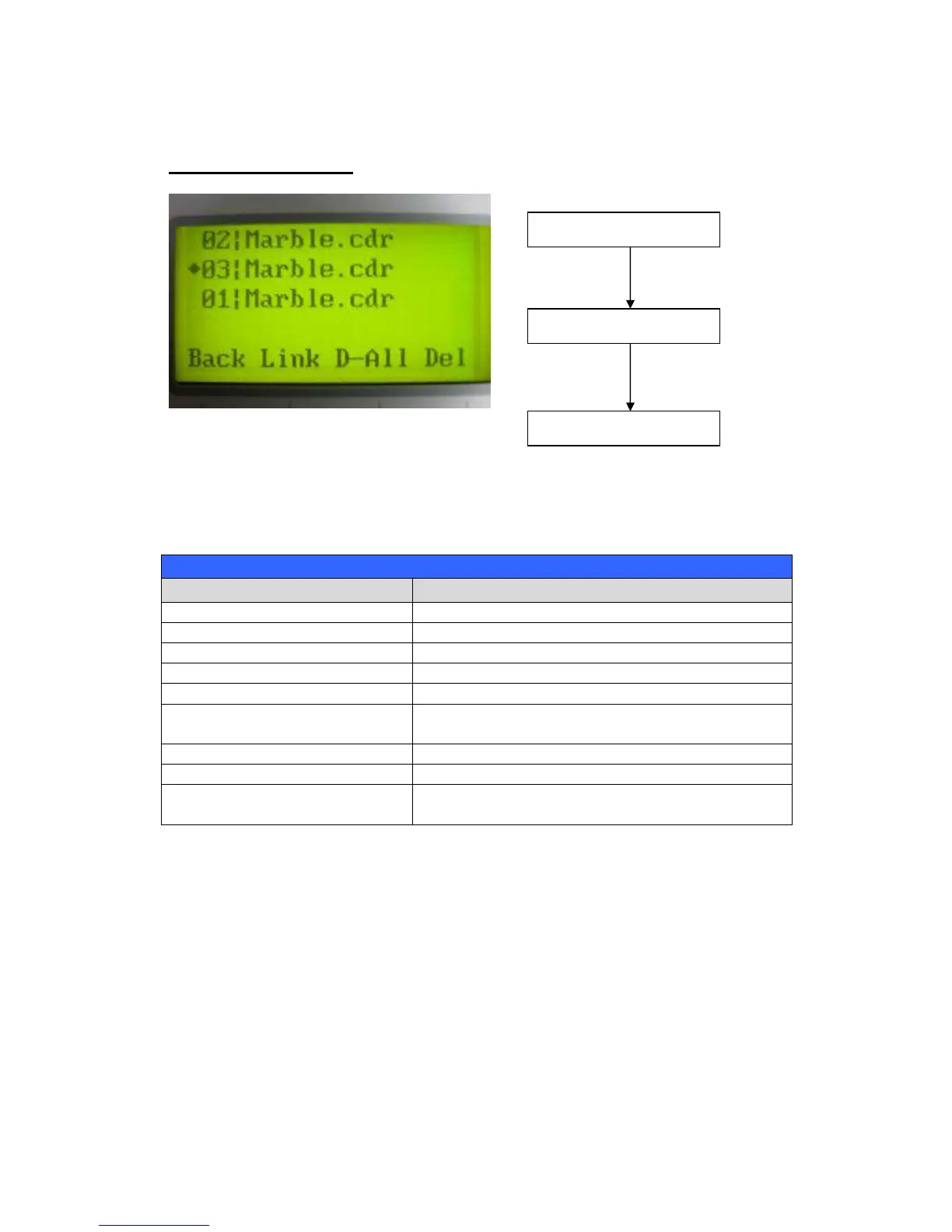
File Management Page
The File Management Page allows you to manage the files that you have loaded onto the
LaserPro X252RX & X380RX. You can scroll through your jobs, delete a selected job, delete all
jobs, and go to the Link/DLink Page to set and arrange multiple loaded jobs into a single job
queue for processing.
F1 (Back) Back to previous page
F2 (Link) Go to the Link/DLink Page
F3 (D-All)
Delete all loaded jobs
F4 (Del)
Delete the selected job
Scroll through your loaded jobs
Enter Go to the File Information Page for the selected
job
Start / Stop Go to the Main Work Page for the selected job
Auto Focus Initiate the auto focus function
Manual Focus Buttons
Manually adjust the height of the work table (Z-
axis)
Main Work Page



 To Next Page