- 42 -
232001240G(08)
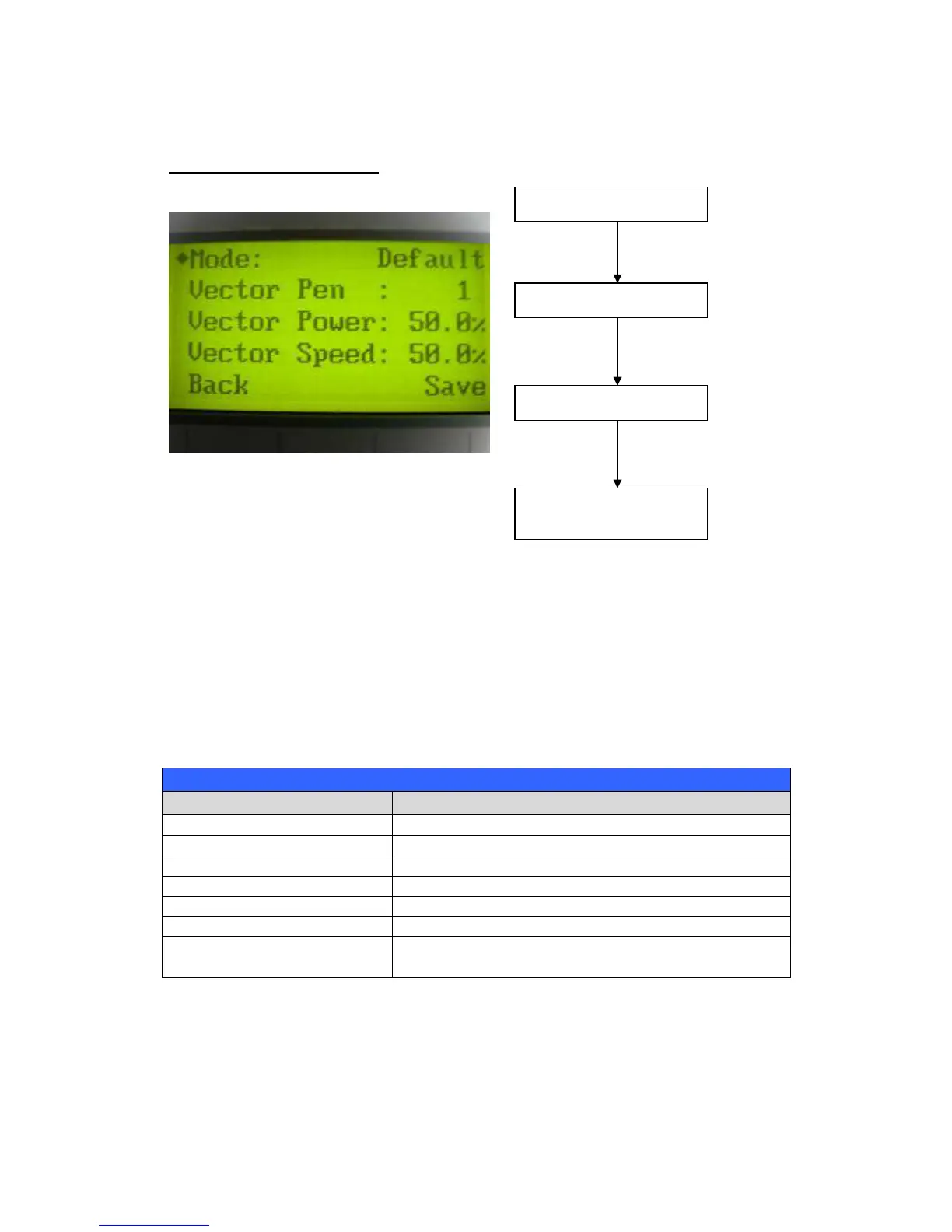
Set Command Mode Page
The Set Command Mode Page allows you to configure vector settings when outputting in Default
or HPGL mode. Default mode is the standard Windows print driver recognized by the most
popular graphic software programs such as CorelDraw, Photoshop, Illustrator, etc. Whereas,
HPGL mode is a less common output format generated from some RIP applications (signage
industry). Regardless of which format you will be working with, both output formats are supported.
Mode: Default / HPGL
Vector Pen: 1 - 16
Vector Speed: 0.0% - 100%
Vector PPI: 0.0% - 100%
Power Ramp: YES / NO
Directional
Adjust the value for that selection
Start / Stop Back to Main Work Page
Auto Focus Initiate the auto focus function



 To Next Page