48
232001240G(08)
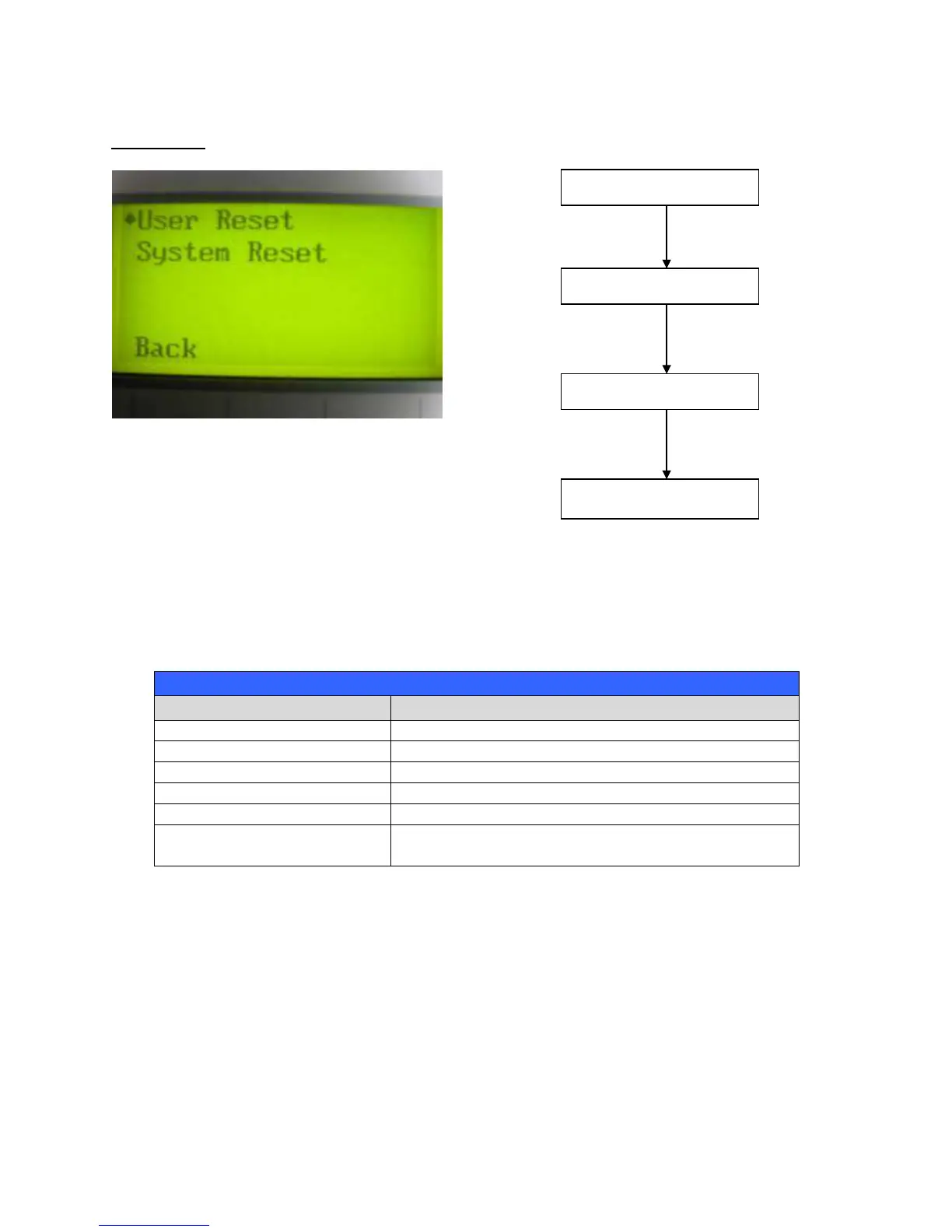
Reset Page
The Reset Page allows you to reset all changes made to the LaserPro X252RX & X380RX’s Machine Settings
Page to their default settings. This does not affect the settings saved to an image file on the computer. The User
Reset setting will set all settings back to the default. After any firmware updates, you must use the System Reset
setting (your previous settings are saved).
User Reset (will pop up a confirmation, press Enter to confirm and continue)
System Reset (will pop up a confirmation, press Enter to confirm and continue)
Scroll through the menu selections
Enter Perform the selection
Start / Stop Back to Main Work Page
Auto Focus Initiate the auto focus function



 To Next Page