SX-2000 Installation Manual
11/8/2010
GDC Technology Ltd. Page 7 of 42
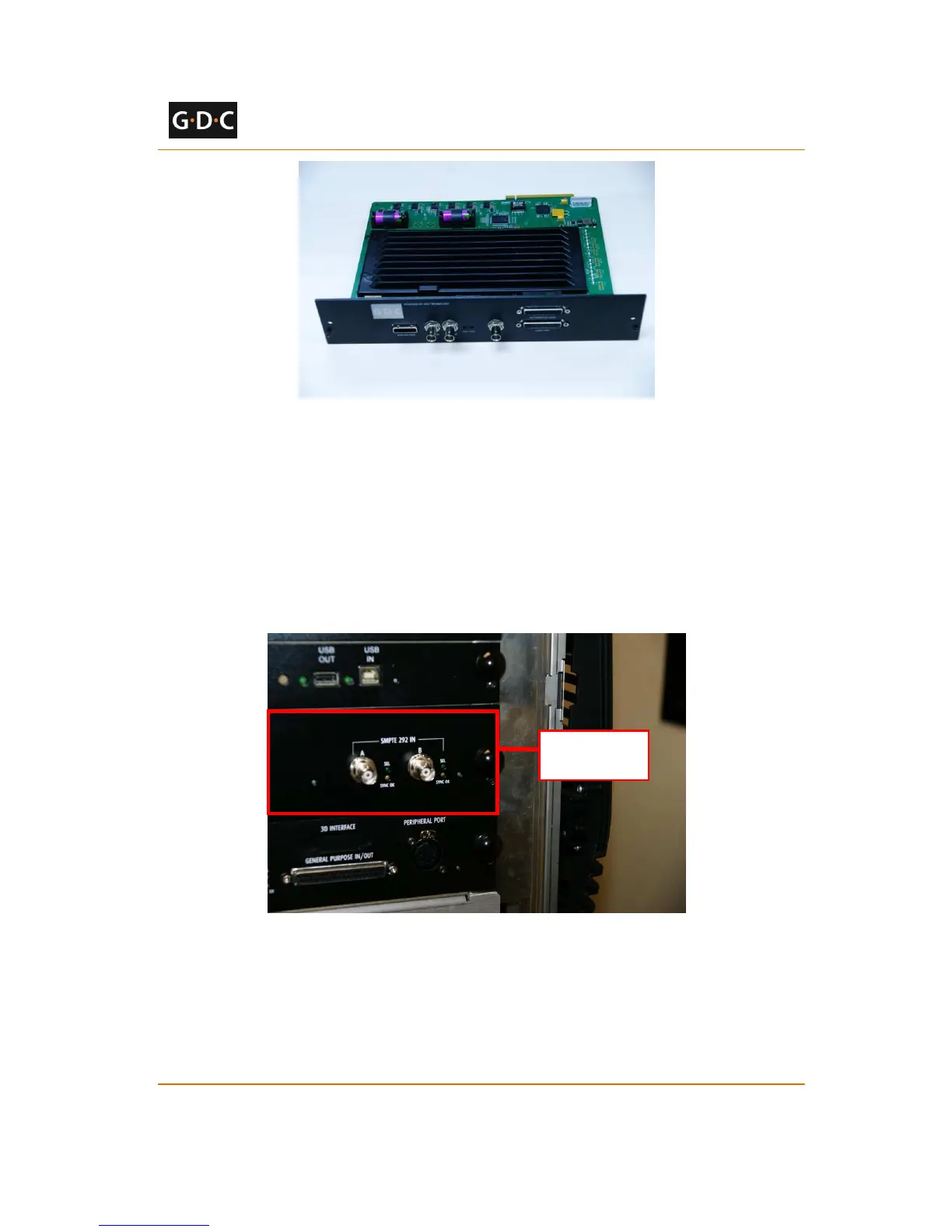
Figure 6 GDC Integrated Media Block (IMB)
2.5.1.2 Remove existing interface board/placeholders
from projector
Before installing the IMB, check the figures below to ensure proper placement of the IMB.
Figure 7 shows an interface board (with SMPTE 292 inputs) connected to a Barco projector. This
board must be removed in order to install the IMB.
Figure 7 IMB Placement on Barco projectors
Figure 8 shows the location where the IMB should be installed on a Christie projector. Remove
any existing interface boards or placeholder faceplates from this position before installing the
IMB.



 To Next Page