SX-2000 Installation Manual
11/8/2010
GDC Technology Ltd. Page 8 of 42
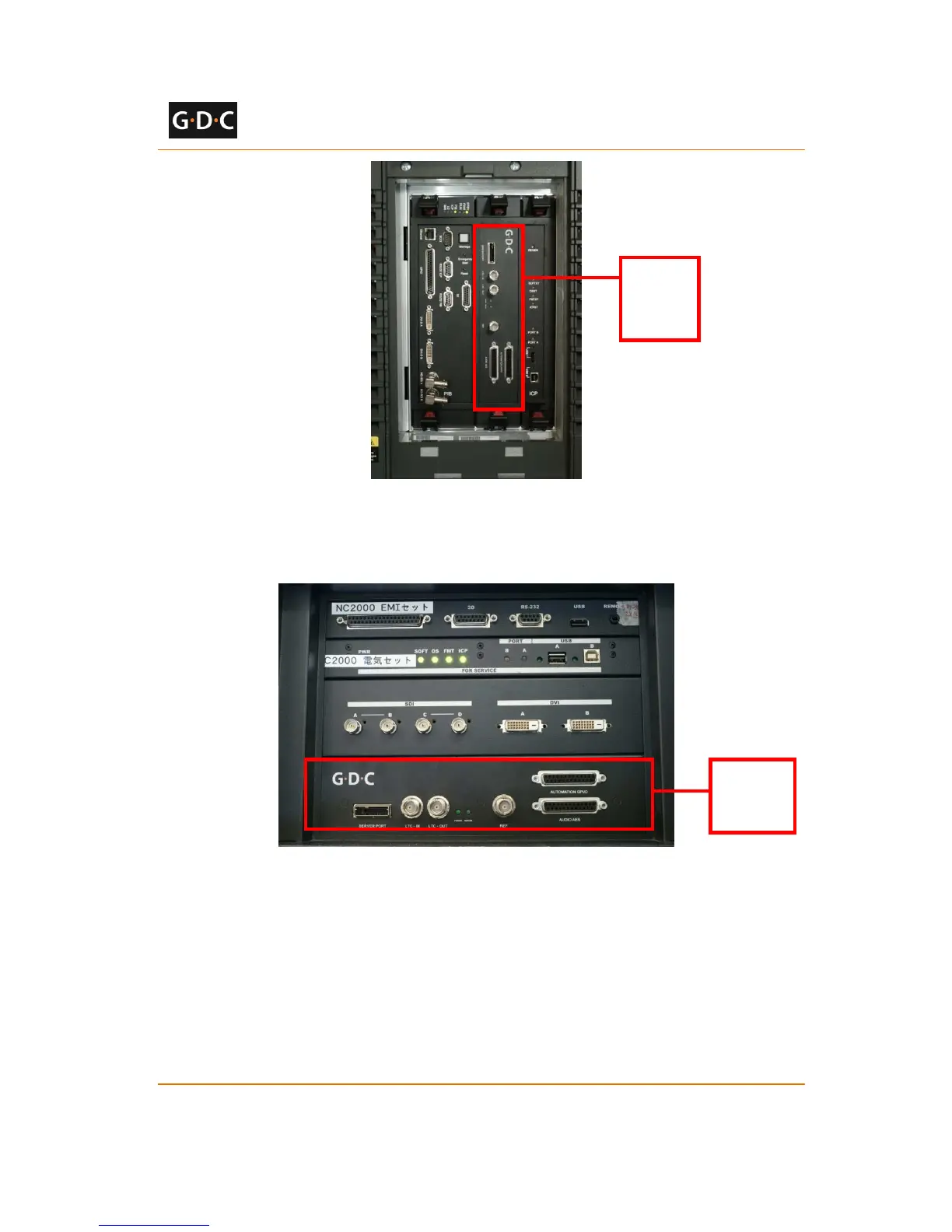
Figure 8 IMB placement on Christie projectors
Figure 9 shows the location where the IMB should be installed on a NEC projector. Remove any
existing interface boards or placeholder faceplates from this position before installing the IMB.
Figure 9 IMB placement on NEC projectors
Please refer to the projector manuals for more details on preparing the projector for IMB
installation.
2.5.1.3 Inserting IMB to the Projector
Make sure the projector is powered off before installing the IMB on the projector.



 To Next Page