ActionStep
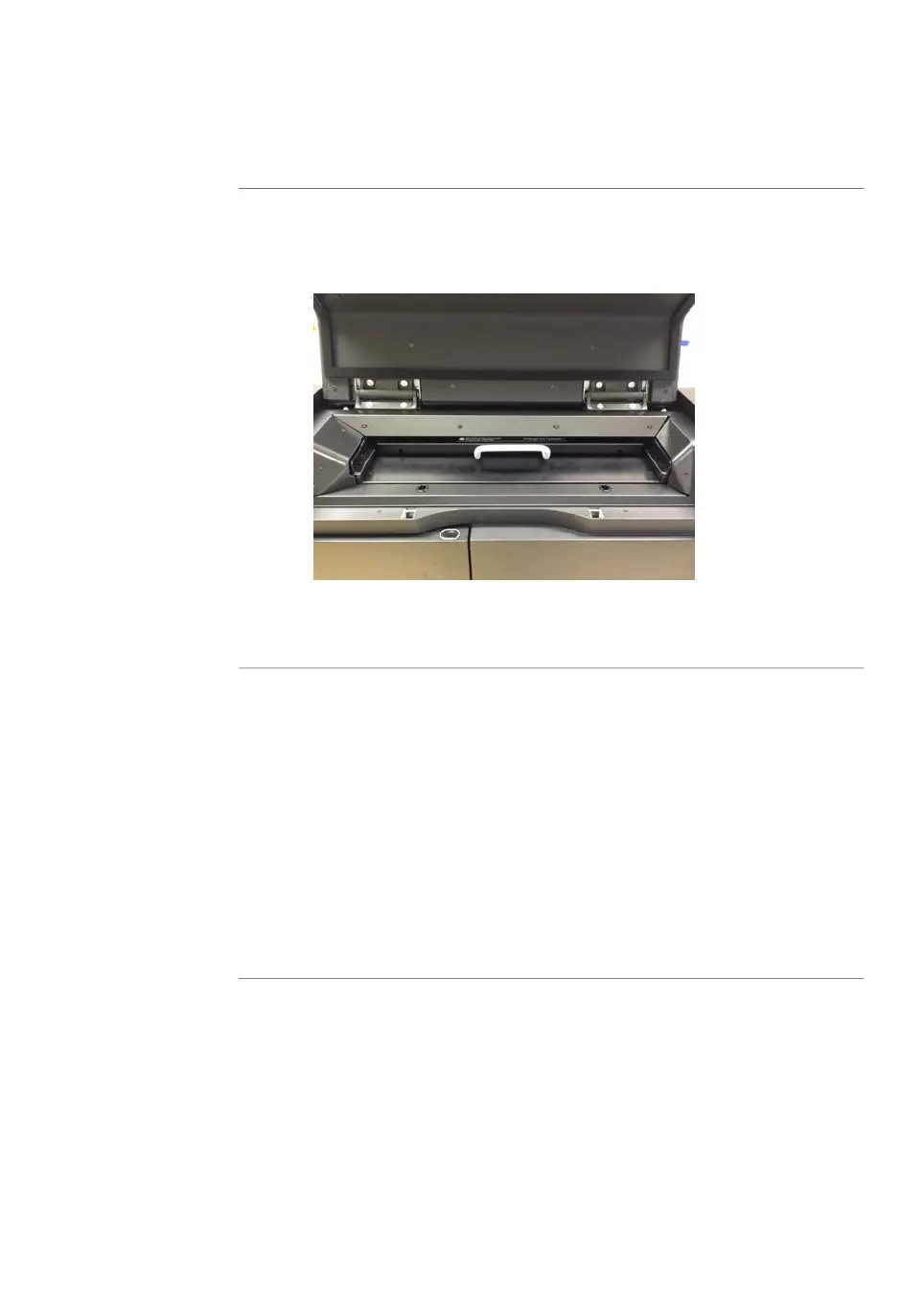
Turn the phosphor stage around. Place the phosphor stage on the stage
holder, with the white print on the phosphor stage facing up, and the storage
phosphor screen attached to the bottom of the phosphor stage. The exposed
surface of the storage phosphor screen should face down.
2
Push the stage all the way into the scanner.3
Close the main scanner door.4
Erase the storage phosphor
screen
After a scan, clean the surface of the storage phosphor screen and the inside of the
cassette with a soft, lint-free tissue. If needed, clean the inside of the cassette with 70%
ethanol to remove dust and stains.
The storage phosphor screen can be erased using the Amersham Eraser in 10-20 min,
if it is not overly exposed. For more information, refer to Amersham Eraser Operating
Instructions, 29187307AA.
After the storage phosphor screen is erased, it can be re-used.
Amersham Typhoon Operating Instructions 29193226 AC 115
6 Operation
6.2 Preparing the sample
6.2.2 Preparing a sample for phosphor imaging



 To Next Page